
Data Speeds Demystified: Mbps, Download vs. Upload, and Real-World Use
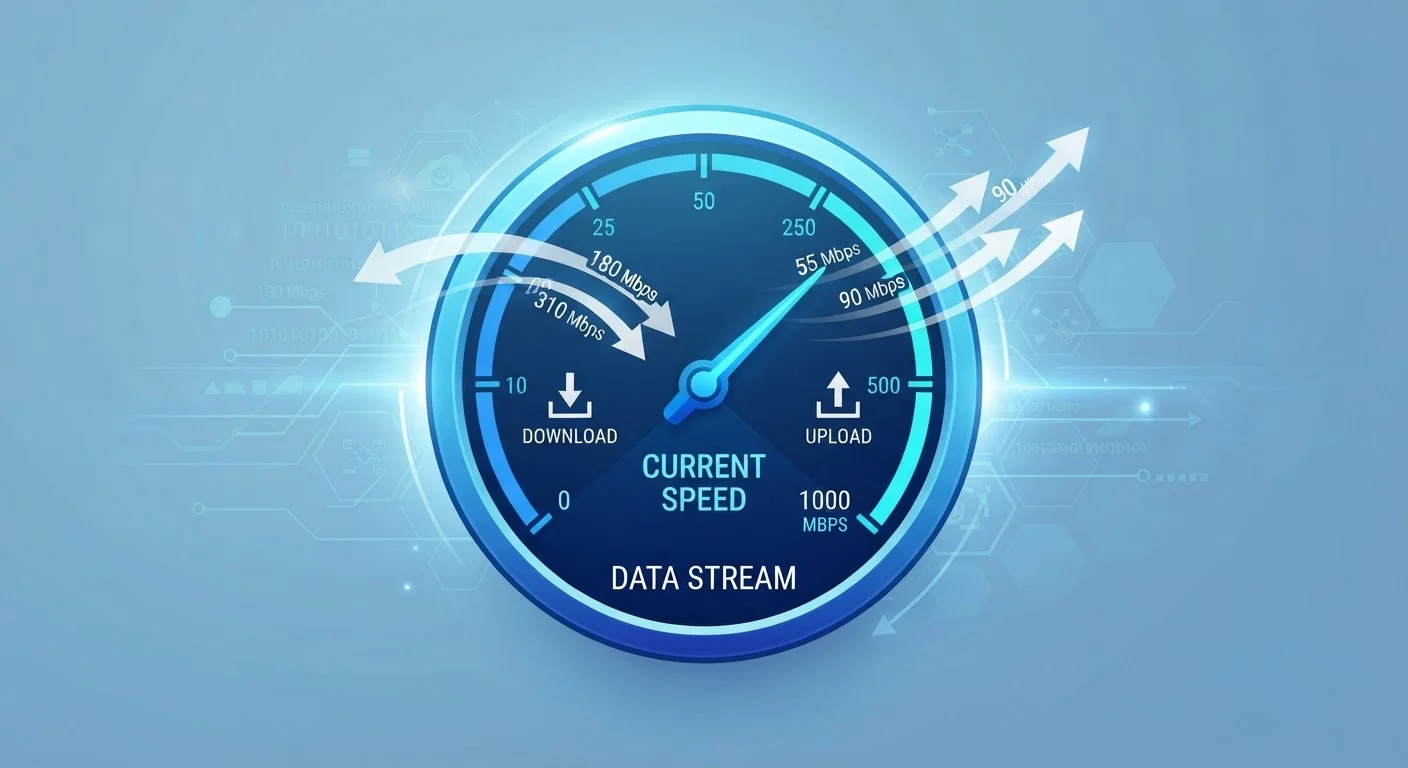
Photo credit: ArticlesHaven.net
In this article
Speed figures like 100 Mbps appear in carrier ads, but what do they mean for everyday use? This explainer connects numbers to real activities.
Key Takeaways
- Mbps measures how quickly data travels to or from your device each second.
- Download speed affects streaming, browsing, and receiving files; upload speed matters for video calls and cloud backups.
- Advertised speeds are maximums, not guarantees - real-world performance is often lower.
- Most everyday tasks need far less speed than carriers typically advertise.
- Latency and upload speed can matter as much as raw download Mbps for certain activities.
What Mbps Actually Measures
When a wireless carrier advertises "up to 300 Mbps," it's telling you the theoretical maximum rate at which data can travel to your device under perfect conditions. That number is a capacity ceiling, not a floor. Mbps - megabits per second - is simply a measurement of throughput: how much information can pass through your connection in one second.
Think of it like a water pipe. A wider pipe (higher Mbps) can move more water (data) at once. But factors like pressure drops, bends in the pipe, and shared use with neighbors can reduce actual flow even when the pipe is rated for high volume.
For a deeper look at how speed tiers are structured in home plans, this breakdown of internet plan tiers explains how carriers package and market different speed levels.
~25 Mbps
FCC broadband download threshold
The FCC defines broadband as a connection delivering at least 25 Mbps download and 3 Mbps upload, though many advocacy groups argue this threshold is outdated for modern usage patterns.
5-8 Mbps
Typical HD video stream requirement
Most major streaming platforms recommend 5-8 Mbps for a single HD stream, meaning a 25 Mbps connection can comfortably support two to three simultaneous HD streams.
~12.5 MBps
File transfer speed at 100 Mbps
Because files are measured in bytes (8 bits per byte), a 100 Mbps connection moves roughly 12.5 megabytes of file data per second under ideal conditions.
Download vs. Upload: Not the Same Number
Every internet connection has two speeds - download and upload - and they rarely match. Download speed governs how fast content arrives at your device: web pages loading, videos buffering, files saving from a cloud drive. Upload speed governs how fast data leaves your device: video call footage sent to participants, photos backing up to cloud storage, large files shared with a coworker.
Most plans heavily favor download speeds because that's how most people historically used the internet - consuming content rather than creating it. A plan might advertise 500 Mbps download but offer only 20 Mbps upload. That asymmetry is fine for casual browsing but becomes a real bottleneck for remote workers, content creators, or households with multiple video calls happening simultaneously.
Understanding why upload speed matters is especially important before committing to a plan if you work from home or rely on video conferencing.
Check Upload Before You Commit to a Plan
Upload speed is rarely the headline figure in carrier ads, but it's critical for video calls, cloud backups, and file sharing. Before signing a contract, look for the upload speed in the plan's fine print - not just the download number. If the carrier doesn't list it clearly, ask directly or check independent speed-test data for that provider in your area.
What Speed Figures Look Like in Real Life
Raw Mbps numbers are easier to evaluate when you tie them to specific activities. Here's a practical frame of reference:
- 1-5 Mbps: Basic web browsing, standard-definition video, email
- 10-25 Mbps: HD streaming on one or two devices, casual video calls
- 50-100 Mbps: Multiple HD streams, reliable video calls, occasional large downloads
- 200+ Mbps: Heavy multi-user households, 4K streaming on multiple screens, large file transfers
These are download-speed benchmarks. For upload, a video call typically needs at least 1-3 Mbps per person, while uploading large video files to cloud services benefits from 10 Mbps or more.
Most single-person or two-person households find that 50-100 Mbps handles everything they need. The case for higher tiers is strongest in larger households or for specific tasks like 4K content creation. Estimating the right Mbps for your household size can help you avoid overpaying for headroom you won't use.
The Gap Between Advertised and Actual Speeds
Speed figures in carrier advertising reflect peak performance under ideal, controlled conditions. Real-world performance depends on many variables: network congestion during peak evening hours, distance from a cell tower or router, the capabilities of your device, and whether your plan includes data throttling after a certain usage threshold.
The qualifier "up to" in carrier ads is doing a lot of work. It legally protects carriers from guaranteeing any specific speed, while still letting them lead with the highest plausible figure. What "up to" speed language actually means and how it's regulated is worth understanding before comparing plans side by side.
“Consumers deserve clear, accurate information about the speeds they're actually likely to receive - not just the theoretical maximum a network can deliver under perfect conditions.”
— FCC Consumer Advisory Committee, Federal Communications Commission advisory body on consumer broadband transparency
For a thorough look at why your real speeds may fall short of what you're paying for, this explainer on the gap between advertised and real-world performance breaks down the most common causes.
Wireless Carrier Speeds vs. Home Broadband
Cellular data speeds (4G LTE and 5G) are measured in Mbps using the same unit as home broadband, but they behave differently in practice. Cellular speeds fluctuate more based on tower load, your physical location, and network congestion - sometimes dramatically within minutes or a few hundred feet. Home broadband connections are generally more stable, though they're still subject to peak-hour slowdowns and infrastructure limits.
Beyond Mbps: What the Number Doesn't Tell You
A high Mbps rating doesn't guarantee a smooth experience for every type of use. Latency - the time it takes for a signal to travel to a server and back, measured in milliseconds - matters enormously for gaming and real-time communication. A connection with 500 Mbps download but 80ms latency will feel sluggish in a fast-paced online game compared to a 100 Mbps connection with 15ms latency.
Jitter (variation in latency) and packet loss (data that fails to arrive at all) similarly affect quality in ways that Mbps can't capture. These metrics only show up on a detailed speed test, not in carrier marketing materials.
When comparing wireless plans or home internet options, run a speed test on your current connection first - it gives you a baseline and reveals latency figures alongside raw Mbps. Latency, jitter, and packet loss explained covers what those additional metrics mean and when they should influence your decision.
Frequently Asked Questions

Author
Articles Haven Editorial Contributor
Articles Haven Editorial Team is the collective byline for our editorial team and contributor network. Articles published under this byline or an editorial pen name are researched, written, and reviewed according to our editorial standards for clarity, consistency, and independence before publication.
View all articles →