
Latency, Jitter, and Packet Loss: The Speed-Test Numbers That Mbps Alone Can't Tell You
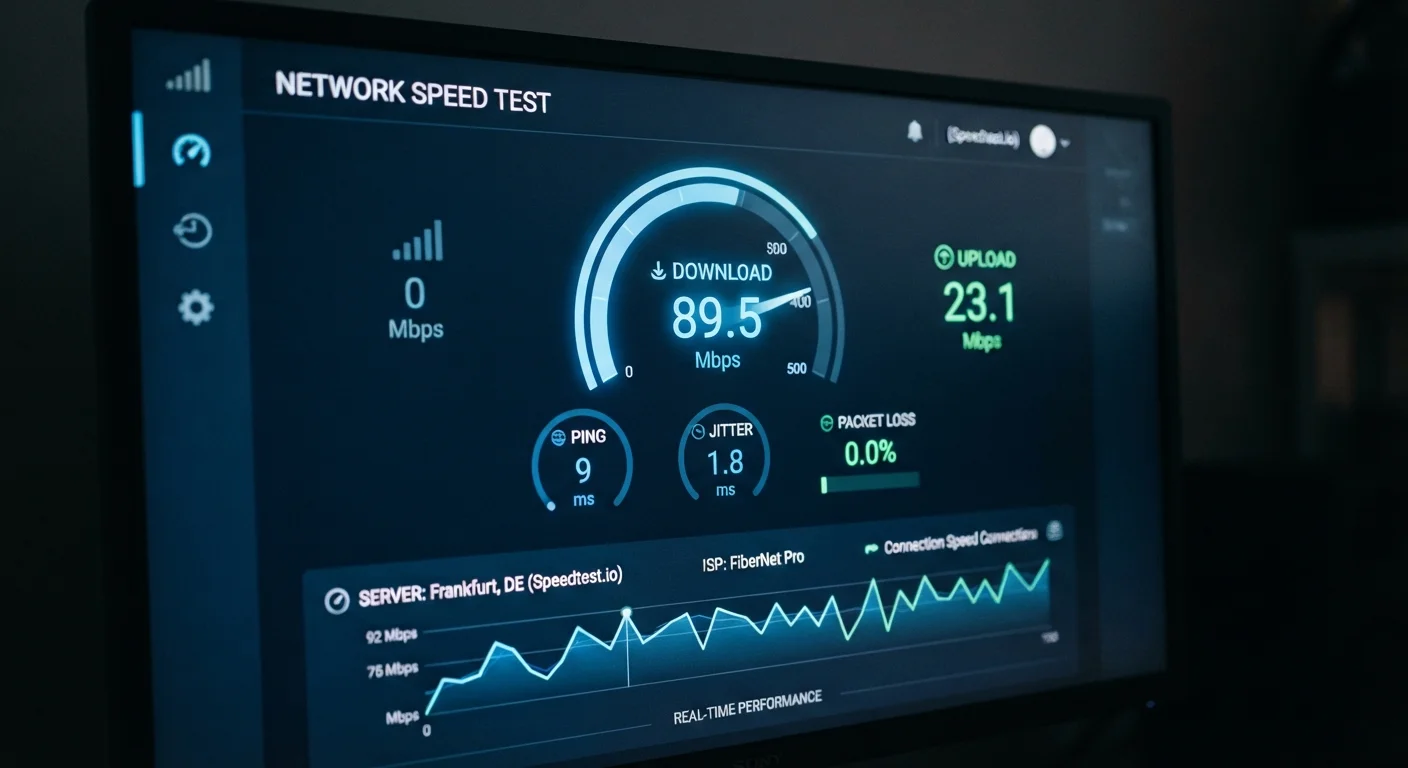
Photo credit: ArticlesHaven.net
In this article
A fast Mbps rating doesn't guarantee a smooth connection. These three metrics reveal how your internet actually behaves under pressure.
Key Takeaways
- High Mbps alone doesn't guarantee a smooth, responsive connection.
- Latency under 50ms is generally considered good for most home uses, including video calls.
- Jitter above 30ms can cause noticeable stuttering in real-time applications like gaming and VoIP.
- Even 1-2% packet loss can significantly degrade video calls, streaming, and online gaming.
- Connection type matters: fiber typically delivers lower and more consistent latency than cable or satellite.
- Run a speed test at peak usage hours to get a realistic picture of your connection quality.
Why Mbps Isn't the Whole Story
When you're shopping for an internet plan, the advertised number is almost always a download speed in Mbps. That figure tells you how fast data can flow into your home under ideal conditions - but it says nothing about how your connection behaves in practice. For a deeper look at what Mbps measures day-to-day, see what Mbps actually means for your household.
Think of bandwidth like a highway. A wider highway can carry more cars - but if the road surface is full of potholes, or traffic keeps stopping unpredictably, the extra lanes don't help much. Latency, jitter, and packet loss describe that road surface. They explain why a 300 Mbps plan can still feel sluggish on a video call, or why your game lags even though your speed test looks fine.
600ms
Typical geostationary satellite latency
Geostationary satellite internet latency commonly exceeds 500-600ms due to the roughly 22,000-mile signal path to orbit and back.
1-2%
Packet loss threshold where quality degrades noticeably
Network engineers generally treat packet loss above 1% as a sign of a connection problem requiring investigation, as reported in standard network quality frameworks.
30ms
Jitter level where VoIP quality starts to suffer
ITU-T G.114 guidelines suggest that jitter above 30ms begins to create audible degradation in real-time voice communication.
Latency: The Time It Takes for Data to Make the Round Trip
Latency - sometimes called ping - measures the time it takes for a small packet of data to travel from your device to a server and back. It's reported in milliseconds (ms). The lower the number, the faster your connection responds to requests.
This matters most for real-time activities. A video call at 80ms latency might feel slightly delayed; at 300ms, conversations become awkward with noticeable pauses. Online gaming is even more sensitive - fast-twitch games typically need latency under 30ms to feel responsive.
Connection type has a big influence here. Fiber-optic connections commonly achieve 5-20ms. Cable internet typically falls in the 15-40ms range. Traditional geostationary satellite internet can reach 500-600ms because data has to travel tens of thousands of miles to orbit and back. Newer low-earth-orbit satellite services have reduced this considerably, though still not to fiber levels.
Test at Peak Hours for a True Reading
Network congestion during evening hours - typically 7-10 PM in most US households - can push latency and jitter significantly higher than a mid-morning test would suggest. Run your speed test during peak times to see what your connection actually delivers when demand is highest. That's the reading that reflects your real daily experience.
Jitter: When Latency Becomes Unpredictable
Jitter measures the variation in latency over time. If your ping bounces between 15ms and 85ms from one second to the next, that inconsistency is jitter. A single high-latency reading is less disruptive than constant fluctuation, because your devices and apps can buffer for a predictable delay but struggle to compensate for one that keeps changing.
High jitter is particularly damaging to VoIP calls and video conferencing. When audio packets arrive out of order or in unpredictable bursts, voices become choppy and robotic. For most home uses, jitter under 10ms is excellent; above 30ms starts to create noticeable problems in real-time communication.
Wired vs. Wi-Fi Makes a Real Difference
Wi-Fi introduces its own source of jitter and occasional packet loss, separate from your ISP's network. If your speed test shows elevated jitter or packet loss, plug directly into your router with an Ethernet cable and retest. If the numbers improve significantly, the issue is likely within your home network rather than your internet service itself.
Not All Speed Tests Report All Metrics
Some consumer-facing speed test tools display only download speed, upload speed, and ping. Jitter and packet loss may require clicking into detailed results or using a more advanced tool. If your tool doesn't report jitter or packet loss, consider running a second test with a tool specifically designed to surface those metrics.
Packet Loss: When Data Simply Doesn't Arrive
Every piece of data you send or receive is broken into small units called packets. Packet loss occurs when some of those packets never reach their destination and have to be re-sent. It's expressed as a percentage of total packets sent.
A rate below 0.5% is generally acceptable - the internet's protocols are designed to handle a small amount of loss gracefully. At 1-2%, you'll start noticing it: pixelated video, frozen frames, audio dropout, or online game lag spikes. Above 5%, the connection becomes practically unreliable for anything time-sensitive.
Common culprits include network congestion at peak hours, a faulty ethernet cable, a router that needs a restart, or interference on a Wi-Fi signal. If packet loss is consistently elevated after basic troubleshooting, the problem likely lies with your provider's infrastructure rather than your home setup. That's worth flagging with your ISP.
How to Read These Numbers on Your Speed Test
Most speed test tools display latency (ping) prominently, but jitter and packet loss are often buried in advanced or detailed results. After running a test, look for a results breakdown page or a link labeled "more details." Some tools only report packet loss if it's detected above a threshold, so a blank reading isn't always cause for concern.
For a realistic picture, run your speed test correctly - test over a wired connection when possible, close background apps, and repeat the test at different times, including evening peak hours when network congestion is highest. A single test on a Tuesday morning may look very different from what you experience on a Friday night.
Also keep in mind that advertised speeds don't always match real-world performance, and connection quality metrics are one more layer of that gap. Understanding how download and upload speeds translate to real activities helps you put all of these numbers in context.
“Speed is what gets data to you; latency is what makes the internet feel fast. For most interactive applications, it's the more important number.”
— Network Engineering Consensus, General principle widely cited in internet performance literature
Frequently Asked Questions

Author
Articles Haven Editorial Contributor
Articles Haven Editorial Team is the collective byline for our editorial team and contributor network. Articles published under this byline or an editorial pen name are researched, written, and reviewed according to our editorial standards for clarity, consistency, and independence before publication.
View all articles →