
Upload Speed vs. Download Speed: Why Both Numbers Matter More Than You Think
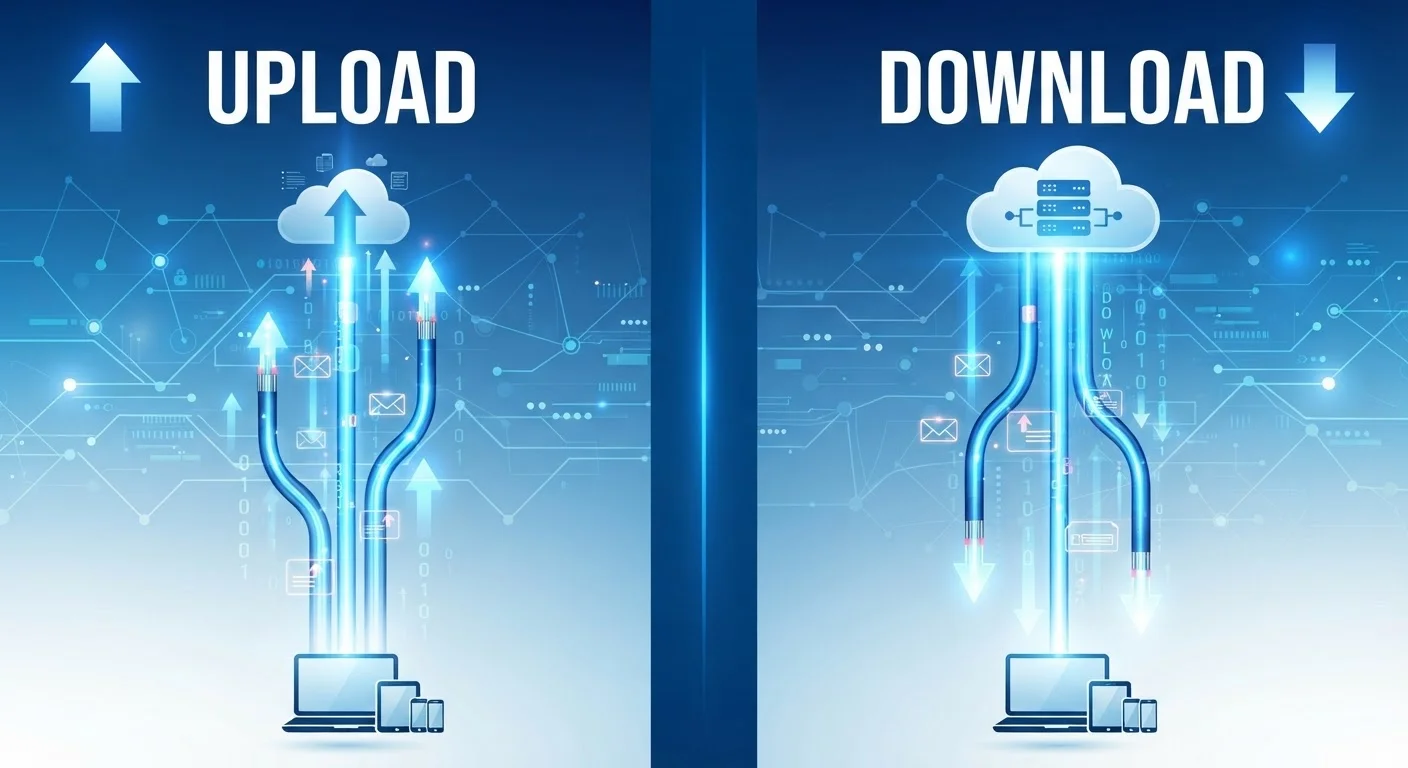
Photo credit: ArticlesHaven.net
In this article
Most plans advertise download speed. But upload matters too — especially for video calls, cloud backups, and remote work.
Key Takeaways
- Download speed governs how fast data arrives at your device; upload speed governs how fast you send it out.
- Most cable and DSL plans offer dramatically asymmetric speeds, with uploads far slower than downloads.
- Fiber connections typically provide symmetric speeds, making them notably better for upload-heavy households.
- Video calls, cloud backups, and remote work all depend heavily on upload speed - not just download.
- A household's upload needs scale with the number of people simultaneously sending data.
What Each Speed Actually Measures
Download speed and upload speed describe the same basic thing - how fast data moves - but in opposite directions. Download speed measures how quickly data travels from the internet to your device: loading a webpage, streaming a movie, receiving an email attachment. Upload speed measures how quickly your device sends data outward: joining a video call, saving a file to cloud storage, or posting a video online.
Most people encounter download speed first because ISPs advertise it most prominently. A plan marketed as "500 Mbps" almost always refers to the download figure. The upload number is often buried in plan details, and on many cable or DSL connections it can be five to ten times slower. For context, a plan advertised as 500 Mbps download might deliver only 20-50 Mbps upload. That gap matters far more than most shoppers realize.
For a broader breakdown of how ISPs structure speed tiers and what those numbers mean day-to-day, see Home Internet Plans Decoded.
| Criterion | Download Speed | Upload Speed |
|---|---|---|
| Direction of data | Internet → your device | Your device → internet |
| Primary use cases | Streaming, browsing, gaming | Video calls, backups, file sharing |
| Typical cable plan ratio | Dominant figure (e.g. 500 Mbps) | Much lower (e.g. 20-50 Mbps) |
| Fiber plan ratio | Symmetric (e.g. 500 Mbps) | Symmetric (e.g. 500 Mbps) |
| Remote work impact | Moderate - receiving files, documents | High - video feeds, uploads, calls |
| How ISPs advertise it | Prominently featured | Often buried in plan details |
When Upload Speed Becomes the Real Bottleneck
The assumption that downloading is what most people do is increasingly outdated. Remote work, video calls, and cloud-first workflows have made uploading a routine, high-stakes activity for a large share of households.
Consider a few common scenarios. A video call on platforms like Zoom or Google Meet typically requires 3-5 Mbps of upload bandwidth per participant for HD quality. If two people in the same home are on calls simultaneously, you're consuming 6-10 Mbps of upload continuously. Add automatic cloud backups running in the background - which can consume several megabits per second - and a modest upload connection starts showing strain.
3-5 Mbps
Upload needed per HD video call participant
Per Zoom's published bandwidth guidelines for HD group calls.
~10x
Typical download-to-upload gap on cable plans
Cable (DOCSIS) technology is engineered asymmetrically; upload capacity is a fraction of download on most residential tiers.
500 Mbps
Upload speed on a symmetric fiber connection
Fiber providers commonly offer matching upload and download speeds on the same plan tier, unlike cable or DSL alternatives.
Livestreamers face even steeper demands. Streaming HD video to a platform generally requires 5-8 Mbps upload or more, sustained without interruption. Gamers uploading gameplay in real time have similar needs. These aren't edge cases anymore.
For a deeper look at how real-world performance diverges from advertised figures, see this explainer on advertised vs. actual speeds.
Asymmetric vs. Symmetric Connections - and Why It Matters
Not all internet technologies treat upload and download equally. Asymmetric connections - most common with cable (DOCSIS) and DSL - are engineered to deliver much faster download than upload. This made sense when the internet was primarily a consumption medium, but it creates real limitations for modern two-way use.
Symmetric connections, most commonly offered by fiber-optic providers, deliver matching upload and download speeds. A fiber plan offering 500 Mbps often means 500 Mbps in both directions. This is a genuine functional difference, not just a marketing nuance.
How to Find Your Actual Upload Speed
ISP plan documents list both upload and download figures, but they're not always easy to find. Look for the plan's full spec sheet rather than the marketing summary. Running a speed test at a site like Fast.com or Speedtest.net will also show your real-time upload performance - which may differ from the advertised figure depending on network conditions and equipment. For more on that gap, see our explainer connecting speed numbers to real-world use.
When comparing plans, it's worth asking specifically about the upload speed - not just the headline number. Some providers are now advertising upload speed more prominently in response to remote-work demand, but the default framing still favors download. Several other factors also get overlooked when shopping for internet plans, including equipment rental fees and contract terms that affect the total value of any plan.
If your household includes multiple remote workers, content creators, or heavy cloud users, a symmetric connection is often worth the trade-off even if the monthly cost is slightly higher. Bundled plans can complicate speed-tier choices, particularly when upload capacity is fixed regardless of which tier you select.

Author
Articles Haven Editorial Contributor
Articles Haven Editorial Team is the collective byline for our editorial team and contributor network. Articles published under this byline or an editorial pen name are researched, written, and reviewed according to our editorial standards for clarity, consistency, and independence before publication.
View all articles →