
Internet Plan Speed vs. Real-World Performance: The Gap Most Consumers Don't Expect
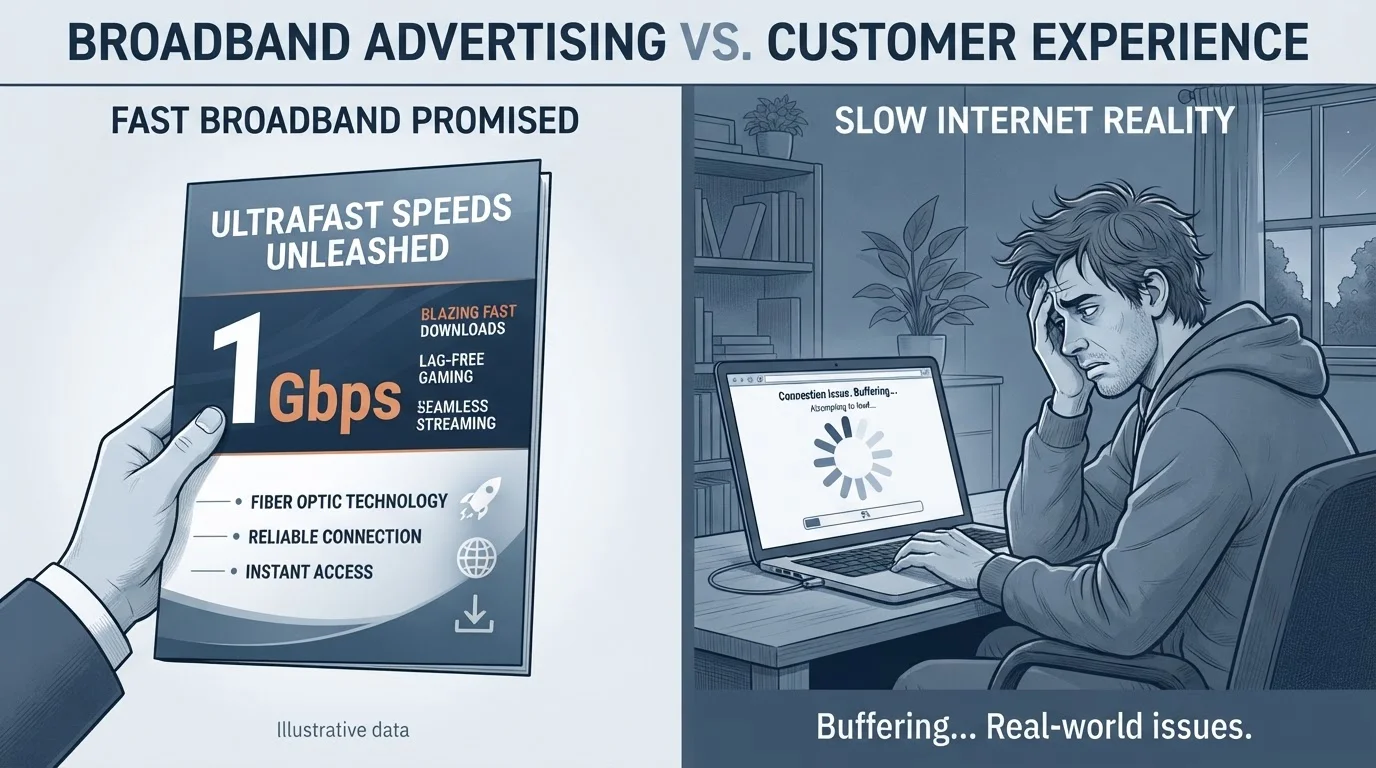
Photo credit: ArticlesHaven.net
In this article
Advertised speeds are measured under ideal conditions. Here's why your actual experience often differs and what affects the real figure.
Key Takeaways
- Advertised speeds are maximum figures measured under ideal conditions, not typical everyday performance.
- Your actual speed depends on your router, home wiring, network congestion, and device count.
- Peak-hour slowdowns affect nearly every connection type, especially cable-based plans.
- Running a speed test at different times of day reveals your true typical performance.
- Latency and packet loss matter as much as raw Mbps for streaming, gaming, and video calls.
What 'Up To' Actually Means
Nearly every internet plan is marketed with a speed figure preceded by the words "up to." That phrasing carries more weight than most consumers realize. It means the stated number is a ceiling - achievable under laboratory-like conditions - not a floor or even an average.
When a provider says "up to 400 Mbps," they're describing what a single device could receive if it were the only thing connected, the network infrastructure was fully unloaded, and the home's internal wiring was pristine. None of those conditions exist in a typical household at 7 p.m. on a Tuesday.
The Federal Communications Commission (FCC) has noted for years that this advertising standard can mislead consumers. While regulatory scrutiny has increased, "up to" language remains standard practice across the industry. Understanding what it signals - and what it omits - is the first step toward making a realistic plan comparison. For a grounding in the raw numbers themselves, see what Mbps figures actually mean in everyday use.
~80-100%
Advertised speed delivered by major ISPs (off-peak)
FCC Measuring Broadband America reports have generally found that many major fixed broadband providers approach advertised speeds during non-peak hours, with performance dropping during evening congestion windows.
Up to 40%
Speed drop during peak evening hours on cable networks
Industry analyses and FCC performance data have indicated that some cable-based connections can see throughput reductions of up to 40% during peak-hour periods compared to off-peak baselines.
3-4×
Speed difference between Wi-Fi and wired Ethernet
Consumer testing regularly finds that a wired Ethernet connection to the same modem can deliver significantly higher and more stable speeds than Wi-Fi, particularly over longer distances or through walls.
The Main Factors That Shrink Your Speed
Several distinct variables sit between the speed your provider delivers to the outside of your home and the speed a device experiences inside it. Most are within your partial control; a few are not.
Network Congestion
Cable and DSL connections share bandwidth with neighbors on the same local node. During peak hours - typically weekday evenings - that shared capacity gets divided among more simultaneous users, and individual speeds can drop. Fiber connections are generally less susceptible because they often provide dedicated capacity to each address, though backbone congestion can still occur. For a closer look at why evenings feel noticeably slower, the pattern behind evening slowdowns is worth reading.
Your Router and Home Wiring
A router that only supports Wi-Fi 4 (802.11n) will cap wireless throughput regardless of what the modem receives. Similarly, older coaxial or telephone-line wiring inside the home can introduce signal degradation before data even reaches your router. Replacing aging equipment is one of the more impactful steps a consumer can take.
Device Count and Simultaneous Use
Every connected device draws from the same pool of available bandwidth. A household with a 4K stream, two video calls, and several background app updates running simultaneously will see much lower per-device speeds than the same plan at 6 a.m. with one device active.
Test Your Speed the Right Way
Run your speed test via a wired Ethernet connection directly to the modem - not over Wi-Fi - for the clearest picture of what your provider is actually delivering. Test at multiple times of day, including weekday evenings, to capture how your connection behaves under real household conditions.
Connection Type Changes the Baseline
The technology behind your internet connection shapes how reliably it approaches advertised speeds - and how badly it underperforms under pressure.
- Fiber: Generally the most consistent. Speeds delivered are frequently close to advertised figures because the infrastructure isn't shared at the neighborhood level.
- Cable (DOCSIS): Widely available and fast, but shared infrastructure means peak-hour variability is common. Speeds can range from near-advertised to significantly reduced depending on local network load.
- DSL: Speed is constrained by distance from the provider's central office. The further you are, the larger the gap between advertised and actual speeds.
- Fixed Wireless and Satellite: Performance is more variable and weather-sensitive. Latency is structurally higher, particularly for satellite, which affects real-time applications even when raw download speeds are adequate.
Connection type also affects what's worth comparing. For households with upload-intensive needs - video production, remote work, frequent large file transfers - the balance of upload and download capacity matters as much as the headline figure. Why upload speed is often underestimated covers this in detail.
Symmetrical Plans Work Differently
Fiber plans often offer symmetrical speeds - identical upload and download rates - which is structurally different from how most cable plans are configured. If your work or creative output involves heavy uploading, that balance can significantly change your real-world experience. Understanding who benefits from symmetrical plans can help clarify whether the distinction matters for your household.
Measuring Your Actual Performance
The most direct way to quantify the gap on your own connection is to run structured speed tests. A single result is rarely representative - time of day, device used, and whether the test runs over Wi-Fi or Ethernet all shift the outcome considerably.
For the most accurate baseline, connect a device directly to your modem via Ethernet cable - bypassing the router entirely - and run a test during an off-peak period. Then repeat the test over Wi-Fi and again during peak evening hours. The difference between those three results tells you more than any single number.
Raw download speed isn't the whole story either. Latency, jitter, and packet loss are the metrics that explain choppy video calls and laggy gaming sessions even when a speed test shows acceptable Mbps. Many speed test tools now report these values alongside throughput figures.
If your measured speeds consistently fall significantly below your plan's advertised rate even in optimal conditions, that's a legitimate basis to contact your provider for support or to reassess whether your current plan and equipment are well matched. When comparing plans, don't overlook the factors that don't make the headline - installation timelines, equipment fees, and contract terms can matter just as much as the speed figure itself.
Frequently Asked Questions

Author
Articles Haven Editorial Contributor
Articles Haven Editorial Team is the collective byline for our editorial team and contributor network. Articles published under this byline or an editorial pen name are researched, written, and reviewed according to our editorial standards for clarity, consistency, and independence before publication.
View all articles →