
Connectivity Abroad: Understanding Your Options for Staying Online
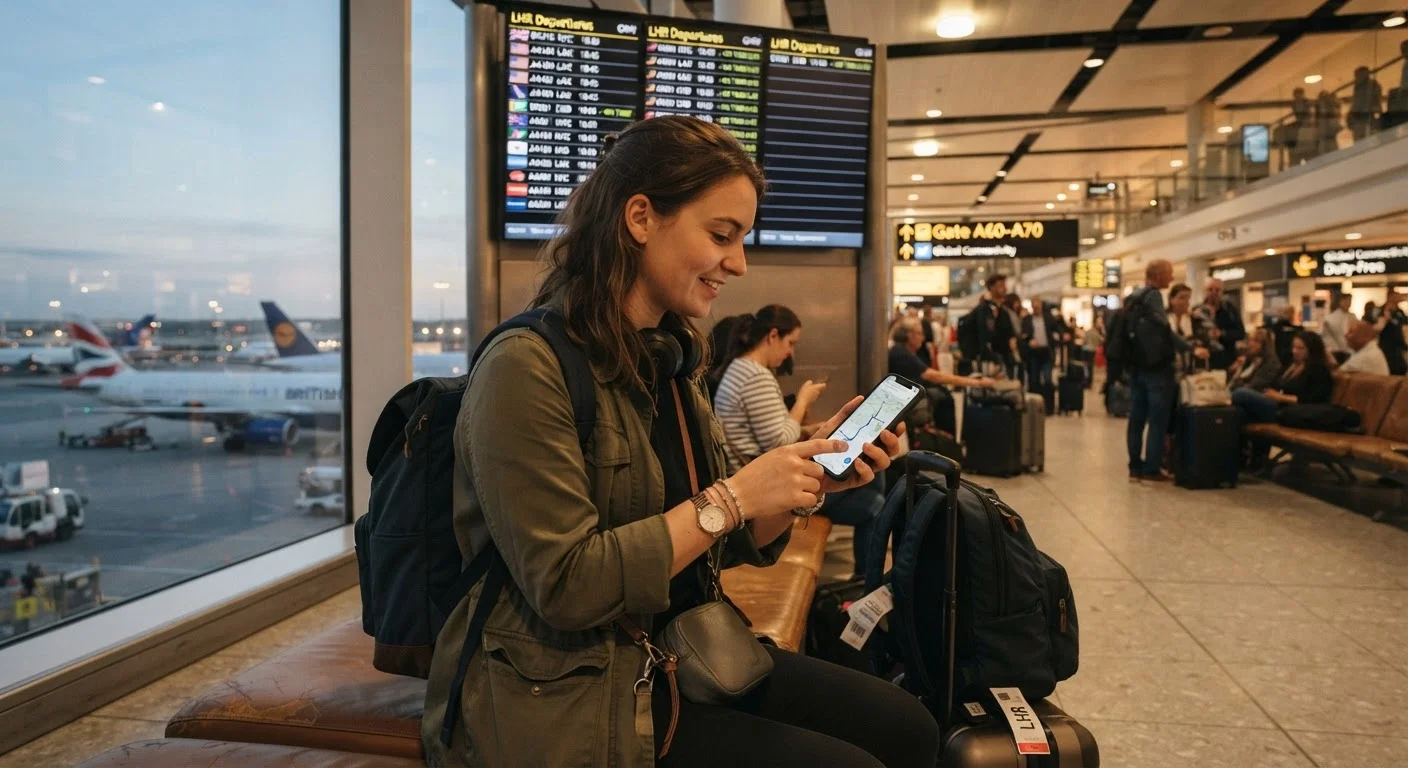
Photo credit: ArticlesHaven.net
In this article
A comparison of international phone plans, travel SIMs, eSIMs, and Wi-Fi strategies so you can stay connected without surprise charges.
Key Takeaways
- Your US carrier's international add-on plan is the most convenient option but often the most expensive per day.
- Travel SIMs and eSIMs purchased before departure typically offer better data rates in specific regions.
- Relying on Wi-Fi calling and messaging apps is a low-cost strategy that requires planning and discipline.
- Unlocked phones give you the most flexibility to swap SIMs or activate eSIM profiles abroad.
- Understanding roaming agreements helps set realistic expectations about coverage quality in rural or remote areas.
Why International Connectivity Needs Its Own Plan
Your domestic phone plan almost certainly does not include usable international data at no extra cost - and assuming otherwise is one of the most reliable ways to return home to a shocking bill. Before you travel, it's worth understanding what your current plan actually covers abroad and what your real options are.
For a grounded look at how US carriers structure their international offerings, see our article on how domestic carrier international plans generally work. The short version: most carriers offer some international access, but data speeds are often throttled and per-minute voice rates can be steep unless you add an international package beforehand.
The good news is that travelers today have more options than ever - and knowing how they compare makes it much easier to pick the one that fits your trip.
The Four Main Options: A Side-by-Side Look
Most travelers will land on one of four connectivity strategies. Each involves real trade-offs across cost, setup effort, and reliability.
| Carrier Add-On | Local Physical SIM | Travel eSIM | Wi-Fi Only Strategy | |
|---|---|---|---|---|
| Typical cost | $5-$15/day | Low (in-country purchase) | Low-to-moderate (prepaid) | Minimal or free |
| Setup effort | Very low | Moderate | Low (before departure) | Low but needs planning |
| Phone number retained | Yes | No | Sometimes (dual SIM) | Yes (no cellular use) |
| Data speeds | Often throttled | Native speeds | Usually good | Depends on local Wi-Fi |
| Coverage reliability | Roaming dependent | Native network | Regional provider | Hotspot availability only |
| Best trip length | Short (1-5 days) | Long (7+ days) | Any length | Light-use trips only |
A few notes on reading this table: "Coverage" reflects how dependent you are on your home carrier's roaming agreements with foreign networks, which can vary significantly by country and region. "Setup effort" reflects whether you need to do anything before leaving the US.
Carrier International Add-Ons: Convenient but Watch the Costs
Most major US carriers offer international day passes that activate automatically when you use your phone abroad, billing a flat daily fee (often in the $5-$15 range) only on days you actually use data or make calls. This is genuinely convenient - you keep your number, your contacts see no change, and setup is minimal.
The drawback is that data speeds are frequently slower abroad than at home, even on day pass plans, because you're roaming on a partner network rather than a native one. If you're planning a longer trip, the daily fees add up fast. A two-week trip at $10/day is $140 - often more than a regional eSIM plan would cost for the same period with faster speeds.
Enable Airplane Mode First, Then Wi-Fi
When you land internationally, switch your phone to airplane mode immediately before connecting to Wi-Fi. This prevents your device from automatically connecting to a roaming network and accumulating charges before you've set up your preferred connectivity option. Once on Wi-Fi, you can selectively re-enable only what you need.
Before committing to any plan modification, it's worth running through the key checklist for evaluating a phone plan, including roaming terms and data throttling thresholds.
Travel SIMs and eSIMs: More Setup, Better Value
A travel SIM is a physical SIM card purchased either before you leave the US or upon arrival in your destination country. Local SIMs purchased in-country often offer the best data rates and native network speeds, but require an unlocked phone and involve some logistical effort - finding a carrier store, navigating a language barrier, and potentially waiting in line.
eSIMs offer a middle path: you download a carrier profile digitally before you even board the plane, and your phone connects to a local or regional network on arrival. No physical card needed, no airport store required. For a detailed look at how the technology works, our article on SIM cards and eSIMs in US phones covers the key differences.
~50%
Global smartphones with eSIM capability
Industry analysts estimate that roughly half of new smartphones shipped globally support eSIM, a share that has grown substantially since 2020.
3-5x
Cost difference: roaming vs. local SIM
Consumer travel guides consistently find that local or regional SIM data plans cost a fraction of carrier roaming day-pass rates for equivalent data volumes.
One important caveat: eSIM requires a compatible, unlocked device. Some phones sold through US carriers are locked to that carrier's network, which would block you from activating a foreign eSIM profile. Check your device's status before assuming this option is available to you.
Wi-Fi Calling and the App-Only Strategy
If your data needs are light - primarily messaging, occasional navigation, and email - you may be able to get by almost entirely on Wi-Fi calling and messaging apps. This approach requires the most discipline but costs the least.
Wi-Fi calling lets your phone route voice calls over a broadband connection rather than a cellular network, meaning you can call US numbers from a hotel or café without incurring international rates. Our explainer on how Wi-Fi calling works and when it helps covers enabling it and its limitations. The main risk: you lose connectivity the moment you leave a Wi-Fi zone, which makes navigation and real-time communication unreliable.
Public Wi-Fi Carries Security Risks
Relying solely on public hotspots in airports, hotels, and cafés exposes your data to potential interception on unsecured networks. Avoid logging into banking or sensitive accounts over public Wi-Fi without a VPN. If security is a concern, a paid data option - even a modest one - provides a more controlled connection.
Pairing this strategy with a portable battery pack helps ensure you can keep your phone running during long sightseeing days without access to power. See our comparison of portable chargers vs. charging cases for guidance on which backup solution fits travel use cases best.

Author
Articles Haven Editorial Contributor
Articles Haven Editorial Team is the collective byline for our editorial team and contributor network. Articles published under this byline or an editorial pen name are researched, written, and reviewed according to our editorial standards for clarity, consistency, and independence before publication.
View all articles →