
Wi-Fi Calling: How It Works and When It's Worth Using
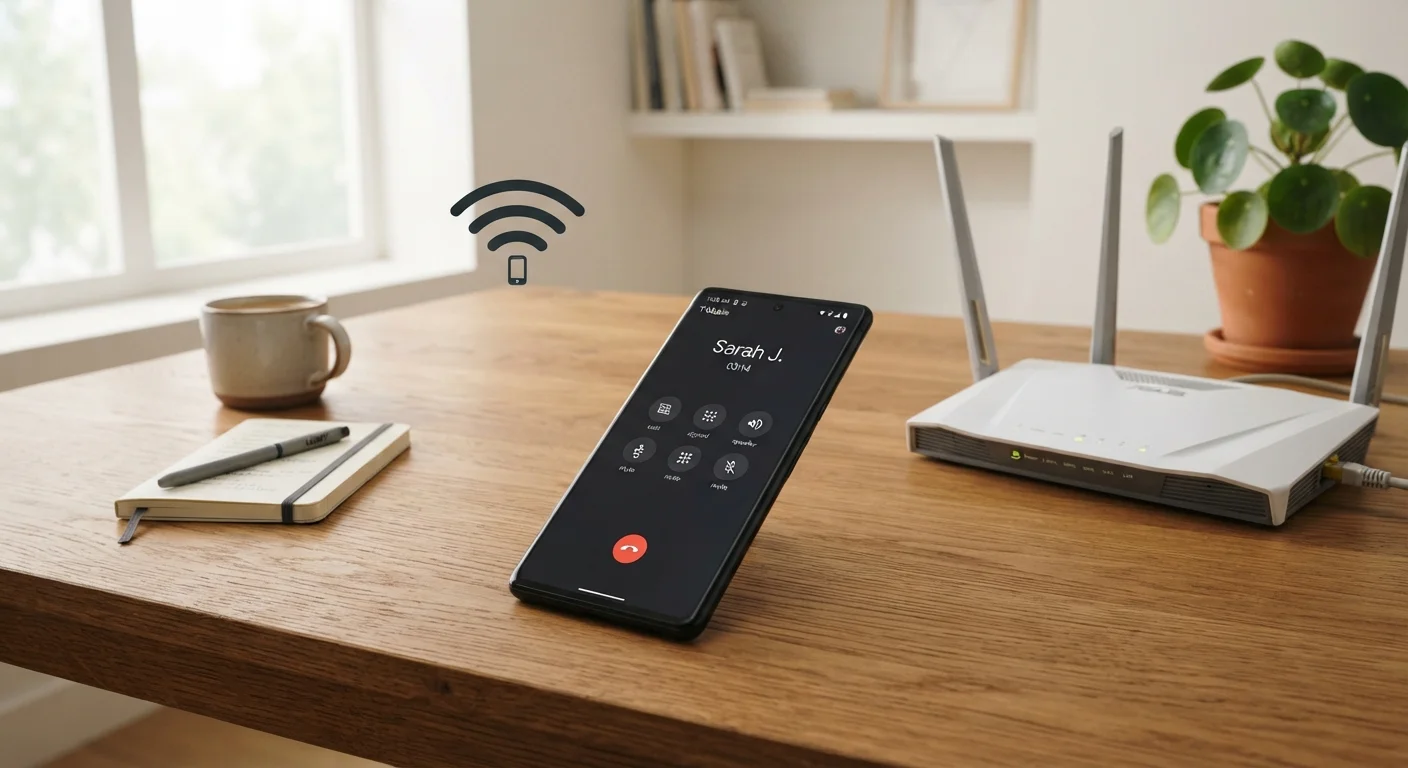
Photo credit: ArticlesHaven.net
In this article
Wi-Fi calling lets you make calls over a broadband connection instead of cellular. Learn when it helps, how to enable it, and its limitations.
Key Takeaways
- Wi-Fi calling uses your broadband connection to place calls when cellular signal is weak or unavailable.
- It works with your existing phone number - no extra app or account is required.
- Both your carrier and your phone model must support the feature for it to work.
- Call quality depends on your internet connection speed and stability.
- It can be a practical option while traveling internationally, depending on your carrier's roaming terms.
- Emergency calls (911) may have location limitations when placed over Wi-Fi.
How Wi-Fi Calling Actually Works
When you enable Wi-Fi calling on a supported device, your phone monitors both cellular signal strength and available Wi-Fi networks simultaneously. If the cellular signal drops below a usable threshold, your phone can automatically route calls through your broadband connection instead - seamlessly, without you dialing differently or changing anything.
The voice data is encrypted and transmitted to your carrier's network over the internet, where it gets processed just like a standard phone call. Because your carrier handles the routing, your caller ID remains the same and the person you're calling doesn't know (or need to know) how the call was connected.
One thing to understand: Wi-Fi calling is not the same as a VoIP app like FaceTime Audio or WhatsApp. Those apps use internet calling with separate accounts and identifiers. Wi-Fi calling is a carrier-native feature tied directly to your cell number. See the phone plan glossary for a fuller breakdown of terms like VoIP and VoLTE.
Carrier Provisioning Is Required
Even if your phone supports Wi-Fi calling hardware, your carrier must also enable the feature on your account. If you enable Wi-Fi calling in your phone's settings but calls still route over cellular, contact your carrier to confirm it's activated on your plan. Some plans, particularly older or budget tiers, may not include it.
When Wi-Fi Calling Is Actually Useful
The clearest use case is poor indoor cellular coverage. Thick walls, basement offices, rural homes, and dense urban buildings all tend to weaken cell signals. If you regularly drop calls in a specific location but have a reliable internet connection there, Wi-Fi calling can be a straightforward fix.
It's also worth considering for international travel. When your phone connects to a Wi-Fi network abroad, Wi-Fi calling can let you call and text US numbers at your domestic rate - avoiding expensive international roaming fees. The specifics depend on your carrier's policy, so check before you board. For a full comparison of international connectivity strategies, see connectivity options abroad.
A third scenario is low-coverage zones on prepaid or budget plans, which sometimes run on networks with thinner tower coverage. In those cases, Wi-Fi calling can close some of that gap without requiring a plan upgrade.
~72%
US adults who report indoor dead zones at home
According to consumer surveys on wireless coverage, a majority of US smartphone users experience weak or dropped signals inside their homes at least occasionally.
1 Mbps
Minimum internet speed recommended for Wi-Fi calling
Most carriers and device manufacturers cite approximately 1 Mbps of stable upload and download speed as the baseline for acceptable Wi-Fi call quality.
3 steps
Typical setup process: settings, carrier provisioning, address registration
Enabling Wi-Fi calling generally requires navigating phone settings, confirming carrier support on your plan, and registering a physical address for emergency services.
Requirements and Limitations to Know
Wi-Fi calling isn't universally available - three things need to line up:
- Carrier support: Your carrier must offer Wi-Fi calling on your specific plan. Most major US carriers support it, but some MVNOs (smaller carriers that lease network access) may not.
- Device compatibility: Your phone model must support the feature. Most smartphones released in the past several years do, but check your settings menu or carrier's device list to confirm.
- Adequate internet speed: A slow or congested connection produces choppy audio. Generally, a stable connection of 1 Mbps or better is enough for acceptable call quality.
There's also a critical safety consideration: 911 location accuracy. When you activate Wi-Fi calling, carriers ask you to register a physical address. That address - not your real-time location - is what gets sent to emergency dispatch. If you've moved or are calling from a different location, first responders may be directed to the wrong place. Update your registered address whenever it changes.
Keep Your Emergency Address Current
When you first enable Wi-Fi calling, your carrier will prompt you to enter a physical address for emergency services. This address is used if you call 911 over Wi-Fi. If you move or frequently work from a different location, log in to your carrier account and update this address - doing so could matter in an emergency.
If you're evaluating whether a plan supports Wi-Fi calling as part of a broader decision, the pre-signup checklist covers this and other compatibility factors worth verifying.
Enabling It and Setting Expectations
On most iPhones, Wi-Fi calling is found under Settings > Phone > Wi-Fi Calling. On Android devices, the path varies by manufacturer but is typically under Settings > Network > Calls or within the Phone app settings. Your carrier may also need to provision the feature on your account before the toggle appears.
Once enabled, the feature is generally passive - your phone manages switching automatically. You don't need to toggle it on and off situationally. In areas with a strong cell signal, your phone will prefer that connection; Wi-Fi takes over when it's the better option.
Keep in mind that Wi-Fi calling won't eliminate every coverage problem. It doesn't help in areas with neither cell signal nor internet access - a power outage, for example, takes out both. And if your home internet plan has reliability issues of its own, that will affect call quality. For more on matching the right type of internet connection to your household's needs, this overview of home internet types is a useful reference.
“Wi-Fi calling is one of the most underused features on modern smartphones. Many people don't realize it's already built into their phone and just needs to be switched on - no app, no extra cost, no new number.”
— A telecommunications policy analyst, Wireless industry commentator and consumer technology educator
Frequently Asked Questions

Author
Articles Haven Editorial Contributor
Articles Haven Editorial Team is the collective byline for our editorial team and contributor network. Articles published under this byline or an editorial pen name are researched, written, and reviewed according to our editorial standards for clarity, consistency, and independence before publication.
View all articles →