
Stacking Discounts: How Combining Savings Methods Works (and When It Doesn't)
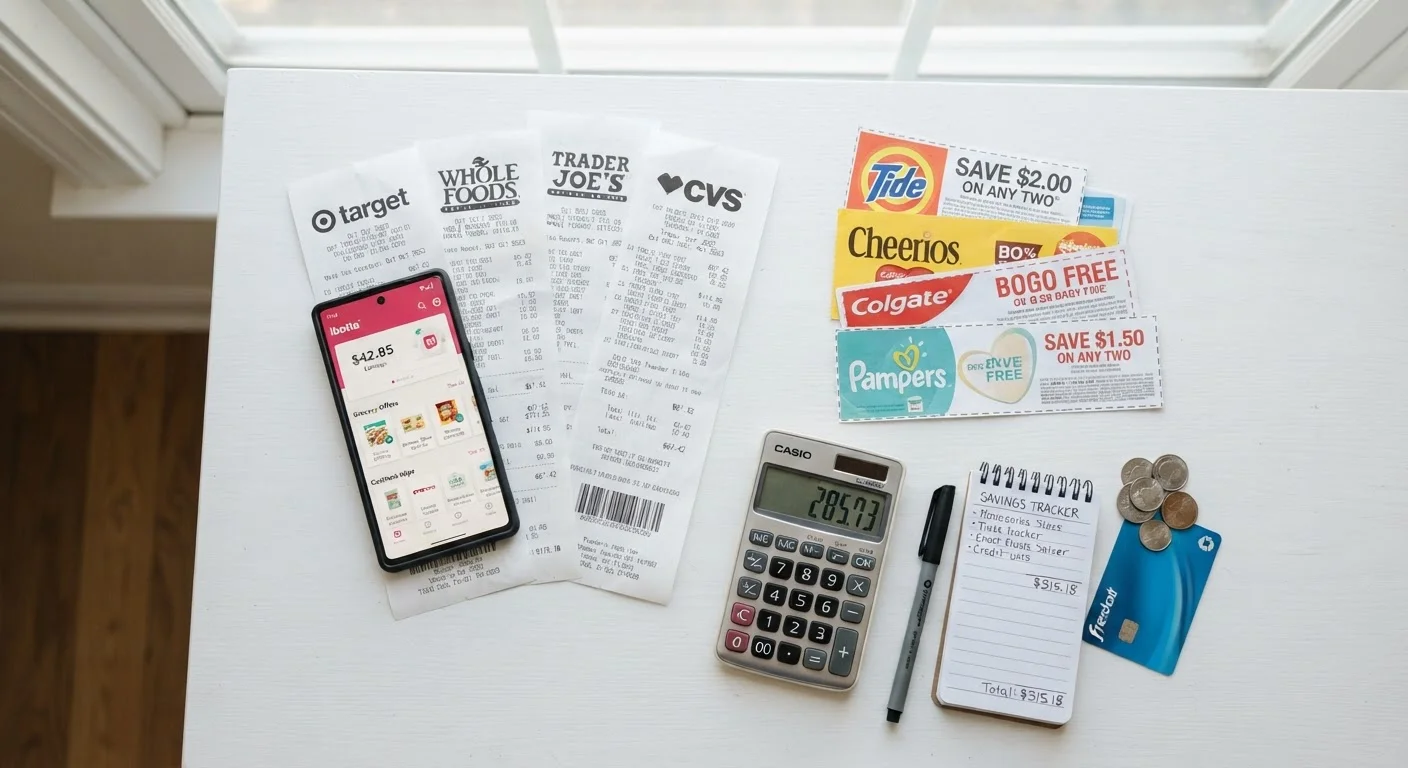
Photo credit: ArticlesHaven.net
In this article
Discount stacking can multiply your savings, but not all retailers allow it. Here's how to know when layering deals is possible.
Key Takeaways
- Discount stacking means applying multiple savings methods to a single purchase simultaneously.
- Many retailers limit stacking - always read the fine print before assuming methods can combine.
- Cashback apps and rewards programs often layer on top of coupons without triggering conflicts.
- The highest-value stacking typically combines a store sale, a coupon code, and a cashback portal.
- Knowing a retailer's policy in advance saves time and prevents checkout surprises.
What Discount Stacking Actually Means
Discount stacking is the practice of applying more than one savings method to a single purchase. The goal is straightforward: each layer reduces the price further, so the combined effect is larger than any single discount alone. In practice, a shopper might combine a sale price, a promo code, and a cashback portal payout - effectively receiving three separate reductions on one item.
Not all of these layers conflict with each other. The key distinction is who funds the discount. Retailer-funded discounts (store sales, store coupons, loyalty prices) all come out of the same budget and are most likely to have combination limits. Third-party discounts - cashback portals, rewards cards, and manufacturer coupons - are funded externally and therefore often stack cleanly on top of retailer offers. Understanding this funding logic helps predict where friction will appear. For a broader look at how each savings tool is structured, see our guide to cashback, coupons, and promo codes.
Stacking Has Real Limits - Know Them First
No combination of savings methods overrides a retailer's posted policy. If a retailer's terms say one promotion per order, applying a second discount may simply fail silently, or it may cancel the first. Always confirm the policy applies to your specific item category - electronics and clearance items are frequently excluded from stacking rules that apply to full-price merchandise.
When Stacking Doesn't Work - and Why
The most common failure point is applying two retailer-issued discount codes when the checkout system only accepts one. This is a deliberate limit, not a technical glitch. Retailers set these rules to manage margin: a 20%-off code on top of an already-discounted item can erode profitability beyond what was planned for the promotion.
Clearance items and already-discounted bundles are the most frequently excluded categories. Even when a retailer broadly allows stacking, the fine print often carves out these items. Similarly, some cashback portals explicitly exclude orders where a promo code has been applied, because promo codes change the order total the portal's commission is calculated on.
When Stacking Triggers a Policy Violation
Some retailers' terms of service explicitly prohibit using cashback portals alongside promo codes, and they reserve the right to void cashback if both are detected. This is uncommon but not unheard of with higher-value cashback offers. If a deal looks unusually generous, read the cashback portal's exclusions section - most list which promotions are incompatible.
The strategic response isn't to avoid stacking - it's to stack intentionally. Identify which discount carries the highest dollar value and build around it, adding only layers confirmed to be compatible. Our overview of stacking rules by retailer type covers how policies differ across store formats. It's also worth noting that stacking strategies that work for physical goods often don't translate directly to services - the logic for saving on services is meaningfully different.
Rewards Cards: The Always-On Layer
A rewards credit card is the one savings layer that almost never conflicts with retailer policies, because the retailer doesn't control it. Paying with a card that earns 1.5-3% back on purchases adds a passive layer to every transaction. If you're already stacking a sale price with a code and a cashback portal, your card is simply the final, frictionless tier.
Step-by-Step: How to Stack Discounts Effectively
Follow these steps each time you plan to combine savings methods. The sequence matters - activating cashback after checkout, for example, means the portal never tracks your session.
What you will need
Cashback portal or app
Earns a percentage back on purchases made through the portal, often stackable with coupons.
Retailer loyalty account
Unlocks member-only prices and digital coupons that can sometimes combine with other offers.
Browser coupon extension
Automatically surfaces available promo codes at checkout to reduce manual searching.
Rewards credit card
Earns points or cashback on purchases, adding a final layer of savings without retailer restrictions.
Understand what types of discounts you're working with
Before stacking anything, categorize the savings methods available to you. Common types include manufacturer coupons, store coupons, digital promo codes, site-wide sale pricing, loyalty rewards, and cashback portals. Each type has a different origin - and that matters. Manufacturer coupons come from the brand; store coupons come from the retailer. These two types are the most likely to conflict, since retailers must absorb the cost of both. Cashback portals and rewards credit cards, on the other hand, are funded by entirely separate programs and rarely conflict with in-store discounts.
Check the retailer's coupon stacking policy
Most retailers publish their coupon policies, either in their FAQ or terms page. Look for language about whether one coupon per transaction is allowed, or whether combining promo codes with sale pricing is permitted. Some retailers explicitly allow one manufacturer coupon and one store coupon per item - this is the classic "stacking" scenario. Others prohibit combining any two codes, regardless of origin. If the policy isn't clear, test at checkout: add both discounts and see if the system accepts both or automatically drops one. Stacking rules vary significantly by retailer type, so checking in advance is worth the two minutes it takes.
Layer cashback on top of your existing discount
Once you've confirmed which coupons or codes you'll apply at checkout, activate your cashback portal or app before you start shopping - not after. Cashback is typically tracked the moment you click through to the retailer's site from the portal. If you're using a browser extension, enable it before reaching the cart page. Stack order: activate cashback portal → navigate to retailer → add items → apply coupon or promo code at checkout → pay with a rewards credit card if you have one. This sequence captures every layer without triggering conflicts.
Apply your promo codes strategically
If you have multiple promo codes, only one typically applies - the checkout system usually uses the last code entered or the one with the highest value, then rejects the rest. Test each code individually to find the highest-value one before committing. For dollar-off vs. percentage-off codes, do the math: a $10-off code on a $45 item (22% effective discount) may beat a 15%-off code. Applying the wrong code first and then being blocked from entering another is a common, avoidable mistake.
Verify the final savings before completing purchase
Before you hit "place order," review the order summary line by line. Confirm that every discount you expected is reflected: the sale price, the applied code, and any loyalty points being earned. Cashback won't appear here - it's credited after delivery - but all in-cart discounts should be visible. If any expected discount is missing, back up and re-enter it rather than assuming it will sort itself out post-purchase.
Once you've made stacking a consistent habit, the incremental effort per purchase drops significantly. The checkout review step (Step 5) is the one most shoppers skip - and the one that most often reveals a discount that quietly failed to apply. A few seconds of verification protects the savings you've spent time assembling. If you find yourself chasing too many offers at once, it may be worth reading about deal fatigue and how to filter the noise before your next shopping session.

Author
Articles Haven Editorial Contributor
Articles Haven Editorial Team is the collective byline for our editorial team and contributor network. Articles published under this byline or an editorial pen name are researched, written, and reviewed according to our editorial standards for clarity, consistency, and independence before publication.
View all articles →