
How Browser Extensions That Find Coupons Actually Work
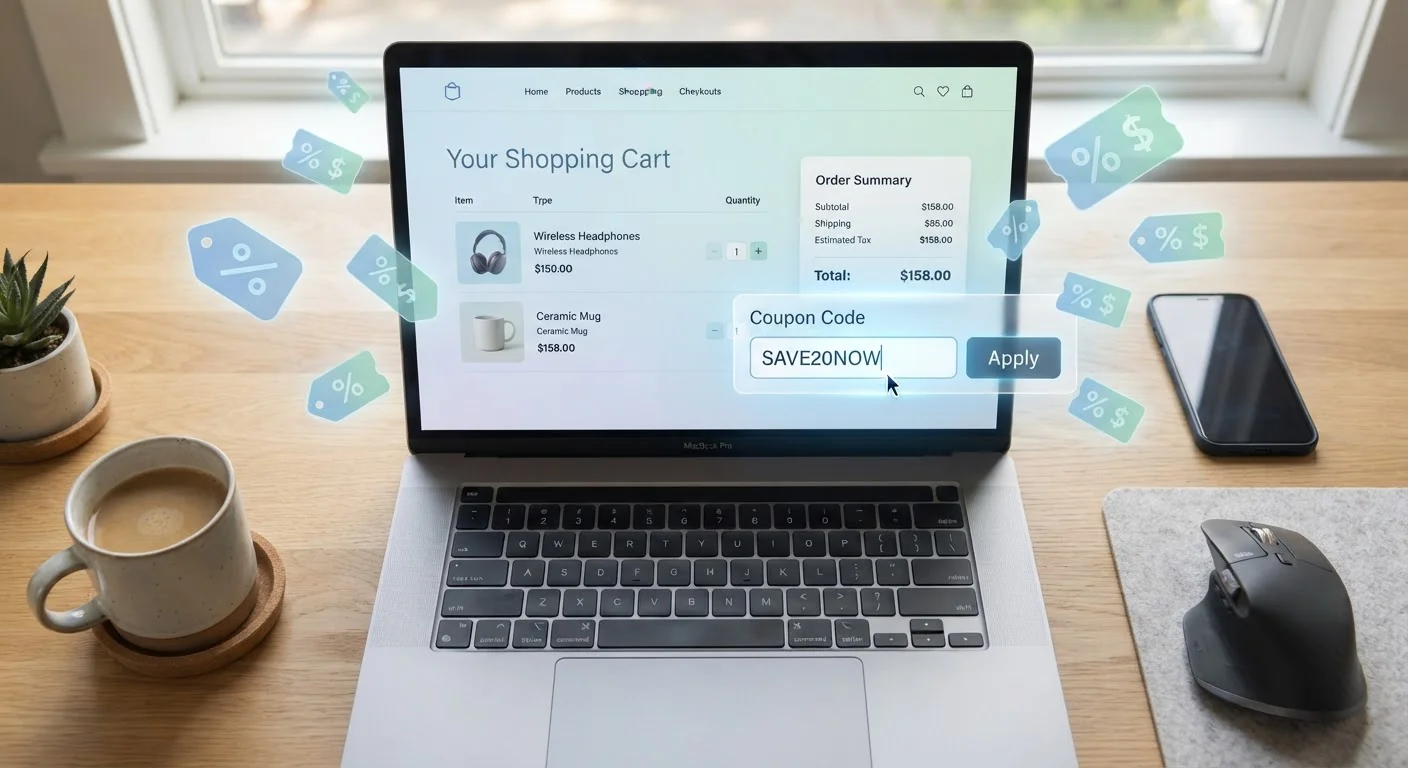
Photo credit: ArticlesHaven.net
In this article
Automatic coupon tools seem like magic, but there's a straightforward explanation for what they do — and what they trade for it.
Key Takeaways
- Coupon extensions work by detecting checkout pages and automatically testing stored coupon codes.
- They earn revenue through affiliate commissions, not from charging users directly.
- Extensions collect browsing data as part of how they function - understanding this trade-off matters.
- Code databases are not always current; extensions may try expired or invalid codes.
- You can use these tools alongside other savings strategies without major downsides.
What Happens the Moment You Hit Checkout
When you navigate to a checkout page on a retail website, a coupon-finding extension springs into action. It recognizes the page - usually by reading the URL structure or specific page elements - and cross-references the retailer against its internal database of known coupon codes.
From there, the extension either displays a notification prompting you to apply codes, or it automatically begins testing them one by one. Each code is entered into the discount field, the order total is checked, and if the price drops, that code is flagged as a winner. The whole process typically takes a few seconds.
This is a fundamentally different experience from manually hunting for codes on aggregator websites - a process that can involve a lot of dead ends due to expired or inaccurate listings.
~90%
Of US adults shop online regularly
According to Pew Research Center survey data, a large majority of American adults make online purchases, making automated savings tools broadly relevant.
Billions
In coupon codes tested annually by extensions
Major coupon extension providers report testing hundreds of millions to billions of code combinations across their user bases each year.
Variable
Success rate per retailer
Industry observers note that working code rates differ substantially by store, ranging from very low at some retailers to notably higher at others with active promotional programs.
Where the Coupon Codes Come From
Extensions maintain large, continuously updated databases of coupon codes sourced from several places: retailer newsletters, promotional pages, affiliate feeds, and user submissions. Some tools also scrape publicly available coupon aggregator sites.
The quality of this database determines how useful the extension actually is. Codes expire, retailers change terms, and some discounts are single-use. No extension has a perfect hit rate, which is why you'll sometimes see an extension cycle through several codes only to find none of them work.
Code Databases Are Never Fully Current
Even the largest coupon extensions can't guarantee their codes are valid at any given moment. Retailers update, expire, or restrict codes frequently - sometimes within hours of a promotion launching. Think of the extension as a useful first pass, not a guaranteed discount. If an important purchase is involved, manually verifying the code on the retailer's promotions page is a smart backup step.
For a broader comparison of how digital and physical discount formats stack up, see digital coupons vs. paper coupons.
The Business Model: How Extensions Make Money
If the extension is free, something else is paying for it. Coupon extensions primarily earn through affiliate marketing. When you click through to a retailer's site and make a purchase - even without a coupon being applied - the extension provider may receive a small commission from the retailer for referring that sale.
This creates an alignment of interests in some ways: the extension wants you to complete purchases so it gets credit for the referral. But it also means the tool isn't purely neutral. Retailers that have affiliate relationships with the extension provider may receive preferential treatment in code databases or pop-up timing.
“Browser extensions that apply coupons are essentially automated middlemen - they sit between the retailer and the consumer, and they get paid for facilitating the connection, whether or not a coupon actually changes hands.”
— Consumer technology researcher, Academic commentator on digital retail ecosystems
Some extensions also use aggregated browsing data for advertising and analytics purposes, which is part of how the ecosystem sustains itself. This is similar to how cashback programs work - multiple parties benefit from a single consumer transaction.
Privacy Trade-Offs Worth Understanding
To detect checkout pages and pull up relevant codes, an extension must be able to read what websites you're visiting. This is a meaningful permission. Most extensions use it responsibly for the stated purpose, but they also collect browsing data that can be aggregated and analyzed.
Before installing any extension, it's reasonable to read its privacy policy and check what data is collected, how long it's retained, and whether it's shared with third parties. Browser extension permissions are displayed during installation - paying attention to them is a useful habit.
Check Permissions Before You Install
When adding any browser extension, review what permissions it requests. A coupon tool that asks for access to all websites you visit is operating as expected - but one that requests access to your downloads, clipboard, or device storage may warrant extra scrutiny. Stick to well-reviewed extensions with clearly published privacy policies.
For shoppers who want to save without relying on any single tool, everyday savings strategies can complement or substitute for extension-based discounts. Exploring the full landscape on the Shopping Smarter hub is a good starting point for building a broader approach.
Frequently Asked Questions

Author
Articles Haven Editorial Contributor
Articles Haven Editorial Team is the collective byline for our editorial team and contributor network. Articles published under this byline or an editorial pen name are researched, written, and reviewed according to our editorial standards for clarity, consistency, and independence before publication.
View all articles →