
Streaming Sticks vs. Smart TVs: Do You Really Need Both?
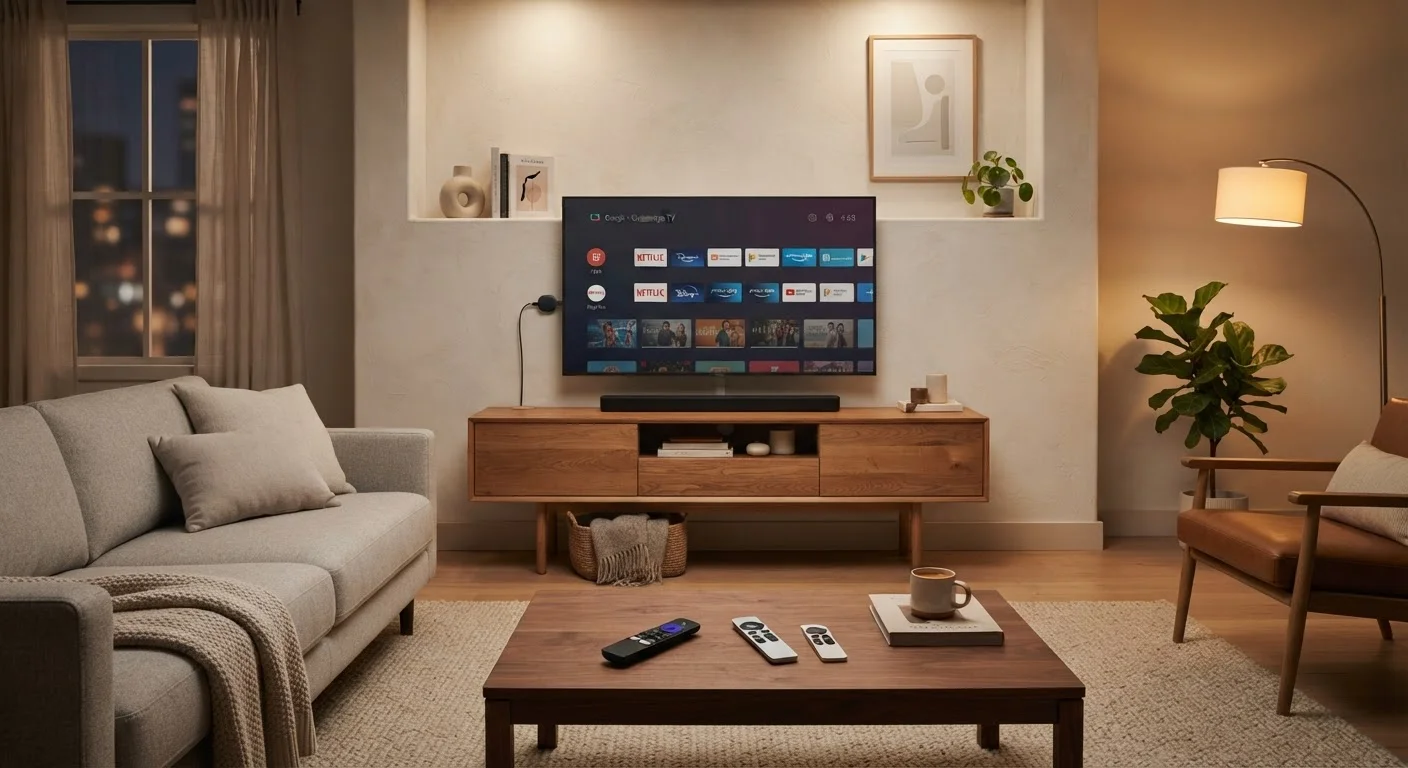
Photo credit: ArticlesHaven.net
In this article
Is a streaming stick redundant if your TV is already smart? We break down when each option adds—or wastes—value.
Key Takeaways
- Smart TVs have built-in streaming platforms, but software quality and update longevity vary widely by brand.
- Streaming sticks typically receive faster, more consistent software updates than TV-embedded platforms.
- A streaming stick can meaningfully extend the usefulness of an older or budget smart TV.
- Buying both is rarely necessary - the right choice depends on your TV's age and software quality.
- Interface speed and app availability are the two factors most worth comparing between the two options.
The Core Question: Redundant Hardware or Real Upgrade?
Walk into any electronics retailer and virtually every TV on the floor is marketed as "smart." So it's a fair question: why would you plug a streaming stick into an already-smart TV? The answer isn't as simple as "you wouldn't."
Smart TVs and streaming sticks both run apps like Netflix, Hulu, or YouTube - but the underlying software, update cadence, and day-to-day responsiveness can differ substantially. Understanding those differences helps you decide whether a streaming stick is a worthwhile addition or just extra clutter.
For context on how the broader streaming landscape is shifting, see our look at cable TV bundles vs. streaming-only packages - it's useful background when thinking about what content delivery setup makes sense for your household.
| Criterion | Streaming Stick | Smart TV |
|---|---|---|
| Setup complexity | Plug into HDMI, connect Wi-Fi | Built-in, no extras needed |
| Software update frequency | Typically faster, more consistent | Varies widely by brand and model |
| App library breadth | Generally broad, well-maintained | Depends on manufacturer's app store |
| Interface speed | Usually snappy on current models | Can slow on older or budget TVs |
| Portability | Works with any HDMI screen | Fixed to the TV itself |
| Additional cost | Separate purchase required | Included in TV price |
| Remote/device management | Adds an extra remote | Single remote setup |
| Longevity of software support | 3-5+ years typical | Often shorter on budget models |
Where Smart TVs Fall Short
The biggest limitation of built-in smart TV platforms isn't what's available at launch - it's what happens two or three years later. TV manufacturers are primarily hardware companies. Many prioritize selling new units over maintaining software on older models. That means platform updates slow down or stop, apps start crashing, and the interface feels increasingly laggy compared to a phone or tablet.
Budget smart TVs are especially prone to this. Manufacturers cut costs in part by using lower-powered processors that handle today's apps adequately but struggle once streaming services push heavier codecs or redesigned interfaces.
~4 years
Average smart TV software support window
Industry analysts generally estimate many mid-range smart TVs receive active platform updates for roughly four years after launch, though this varies by manufacturer.
40%+
US households owning a streaming device
Research from Leichtman Research Group has consistently found that a significant share of US broadband households use a dedicated streaming device alongside or instead of TV built-ins.
There's also the question of app availability. Niche streaming services, fitness platforms, or international content apps may not appear on every TV's proprietary app store, whereas popular streaming stick platforms tend to have broader libraries maintained by dedicated software teams.
Where Streaming Sticks Add Genuine Value
Streaming sticks are essentially small computers dedicated to one job: running streaming software well. Because they're sold as standalone products competing on software quality, manufacturers update them more aggressively. A stick you buy today is likely to receive meaningful software support for several years.
The portability angle is real too. A stick fits in a bag, works with any HDMI display, and keeps your app logins and preferences in one place - whether you're in a guest room or a hotel. That's a use case built-in TV software simply can't match.
One Remote to Rule Them All?
Many streaming sticks support HDMI-CEC, a protocol that lets them control TV power and volume through a single remote. In practice this works well with most modern TVs, though compatibility isn't universal - worth confirming before assuming you can retire your TV remote entirely.
It's also worth noting that streaming sticks can breathe new life into older screens. If you have a non-smart TV or a smart TV whose platform has been abandoned by the manufacturer, a stick is a cost-effective way to avoid replacing functional hardware. For households thinking about total setup costs, our piece on internet-only vs. full bundle trade-offs covers related decisions around what services you actually need to pay for.
When You Don't Need Both - and When You Might
The honest answer for most households: you don't need both. If your smart TV is relatively recent and its built-in platform runs smoothly, adding a streaming stick duplicates functionality you're already paying for in the TV's purchase price. You'd also end up managing two remotes and two sets of app logins.
The scenario where owning both makes practical sense is narrower: you already have a streaming stick from a previous setup and you're adding a new smart TV, or you're deliberately using a secondary display that lacks its own platform. Otherwise, choose based on your primary screen's age and software quality.
If you're thinking through the full picture of what your household actually needs from its viewing setup, our guide on streaming-heavy households and bundle choices is worth a read - bandwidth and data caps are factors that matter regardless of which device sits in front of your TV. And for a broader look at how to evaluate connected-home hardware decisions, the Shopping Smarter hub has useful frameworks that apply here too.

Author
Articles Haven Editorial Contributor
Articles Haven Editorial Team is the collective byline for our editorial team and contributor network. Articles published under this byline or an editorial pen name are researched, written, and reviewed according to our editorial standards for clarity, consistency, and independence before publication.
View all articles →