
How to Tell If Your Phone Is Compatible with a New Carrier
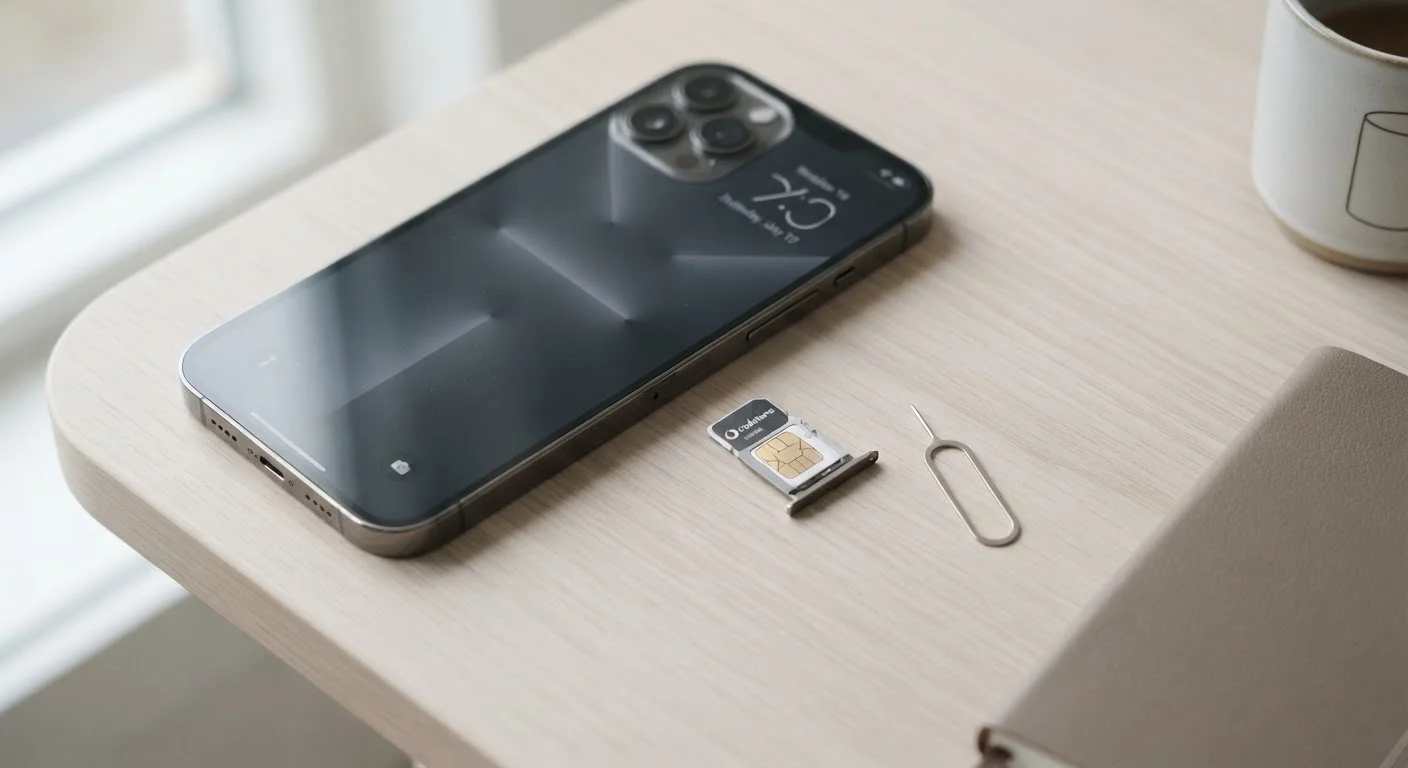
Photo credit: ArticlesHaven.net
In this article
Not every phone works on every network. Learn how to check IMEI compatibility, supported bands, and SIM requirements before switching.
Key Takeaways
- Your phone must be unlocked before it can work on a different carrier's network.
- IMEI-based compatibility checkers are the most reliable way to verify carrier support.
- Band and network technology support (LTE, 5G) affects call quality and data speeds.
- eSIM support is increasingly common but not universal - confirm before switching.
- Even a compatible phone may need a new SIM card from the target carrier.
Why Phone Compatibility Isn't Automatic
It's a reasonable assumption that any smartphone should work on any network - but US wireless infrastructure doesn't work that way. Carriers operate on different frequency bands and network technologies, and phones are engineered to support specific combinations of those bands. A device optimized for one carrier's infrastructure may deliver degraded performance - or no service at all - on another's.
There are three main compatibility factors to understand before switching:
- Lock status: Whether your phone is restricted to your current carrier's network
- Hardware support: Whether your phone's radio supports the target carrier's frequency bands
- SIM format: Whether your phone accepts the physical or eSIM format the new carrier uses
Running through these checks takes under 20 minutes and can prevent a frustrating situation where you've signed a plan but your device won't connect properly. If you're also thinking ahead about porting your current number, switching carriers without losing your number walks through that process separately.
What you will need
Step-by-Step: Running Your Compatibility Check
Use the tools below as your starting point, then follow each step in order. Skipping the lock-status check (Step 2) is the most common mistake - even a technically compatible phone won't work if it's still locked to another network.
IMEI Compatibility Checker
Most major carriers provide a free online tool where you enter your IMEI to instantly verify whether your device is supported on their network.
Phone Settings App
Used to locate your IMEI, check SIM status, and confirm whether your device supports eSIM.
GSMArena or Similar Spec Database
Lets you look up your phone model's supported frequency bands to cross-reference against the carrier's published network bands.
Find Your Phone's IMEI Number
Dial *#06# on your phone's keypad - the IMEI (International Mobile Equipment Identity) number should appear on screen immediately. Alternatively, go to Settings > About Phone > IMEI Information on Android, or Settings > General > About on iPhone. Write it down or take a screenshot.
Confirm Your Phone Is Unlocked
A carrier-locked phone is software-restricted to work only on that carrier's network. Contact your current carrier or check Settings > Cellular (iPhone) or Settings > Connections > Mobile Networks (Android) for lock status. Most US carriers are legally required to unlock devices once contract and payment obligations are met - request an unlock before proceeding if needed.
Run the Carrier's IMEI Compatibility Check
Visit the target carrier's official website and locate their device compatibility or BYOD (Bring Your Own Device) checker - typically found under the support or plan comparison sections. Enter your IMEI when prompted. The tool will return a pass/fail result and may specify which services (voice, LTE, 5G) are supported on your device.
Verify Supported Frequency Bands
Network coverage relies on specific radio frequency bands. Even if an IMEI check passes, your phone needs to support the carrier's primary bands for reliable performance. Look up your phone model in a spec database (such as GSMArena) and compare the listed bands against the carrier's published network frequencies. Pay particular attention to mid-band 5G support if you're switching for faster speeds.
Check SIM Requirements (Physical or eSIM)
Determine whether the new carrier requires a physical SIM card, supports eSIM activation, or offers both. On iPhones (XS and later) and many recent Android flagships, eSIM is available. Check under Settings > Cellular for an "Add Cellular Plan" or "Add eSIM" option. For physical SIMs, confirm whether your phone uses a nano-SIM - the most common current standard. See how SIM and eSIM technology is evolving for a deeper breakdown.
Request a Test SIM or Trial Period if Available
Some carriers offer short trial periods or prepaid starter SIMs at low cost. If you're uncertain after running checks, a trial is the most practical way to confirm real-world performance - especially for coverage in your home, workplace, and commute route before fully committing.
Manufacturer Unlocked Phones Are Usually Easiest
Phones purchased directly from a manufacturer's website (rather than through a carrier) are typically sold unlocked and work across multiple networks out of the box. If you're buying a new device with a carrier switch in mind, this path generally involves the fewest compatibility hurdles.
Budget and Prepaid Phones May Have Limited Band Support
Lower-cost devices - particularly those sold under a specific carrier's brand - are sometimes engineered to support only that carrier's frequency bands. Even if they're unlocked, they may underperform on other networks. Check the spec sheet carefully before assuming a budget device will transfer cleanly.
Once you've confirmed compatibility, review the full plan checklist to make sure coverage, data terms, and costs align with your needs before signing up. It's also worth reviewing key questions to ask any carrier upfront so you're not caught off-guard by fine print.

Author
Articles Haven Editorial Contributor
Articles Haven Editorial Team is the collective byline for our editorial team and contributor network. Articles published under this byline or an editorial pen name are researched, written, and reviewed according to our editorial standards for clarity, consistency, and independence before publication.
View all articles →