
Renting vs. Owning Your Modem and Router: What the Long-Term Math Looks Like
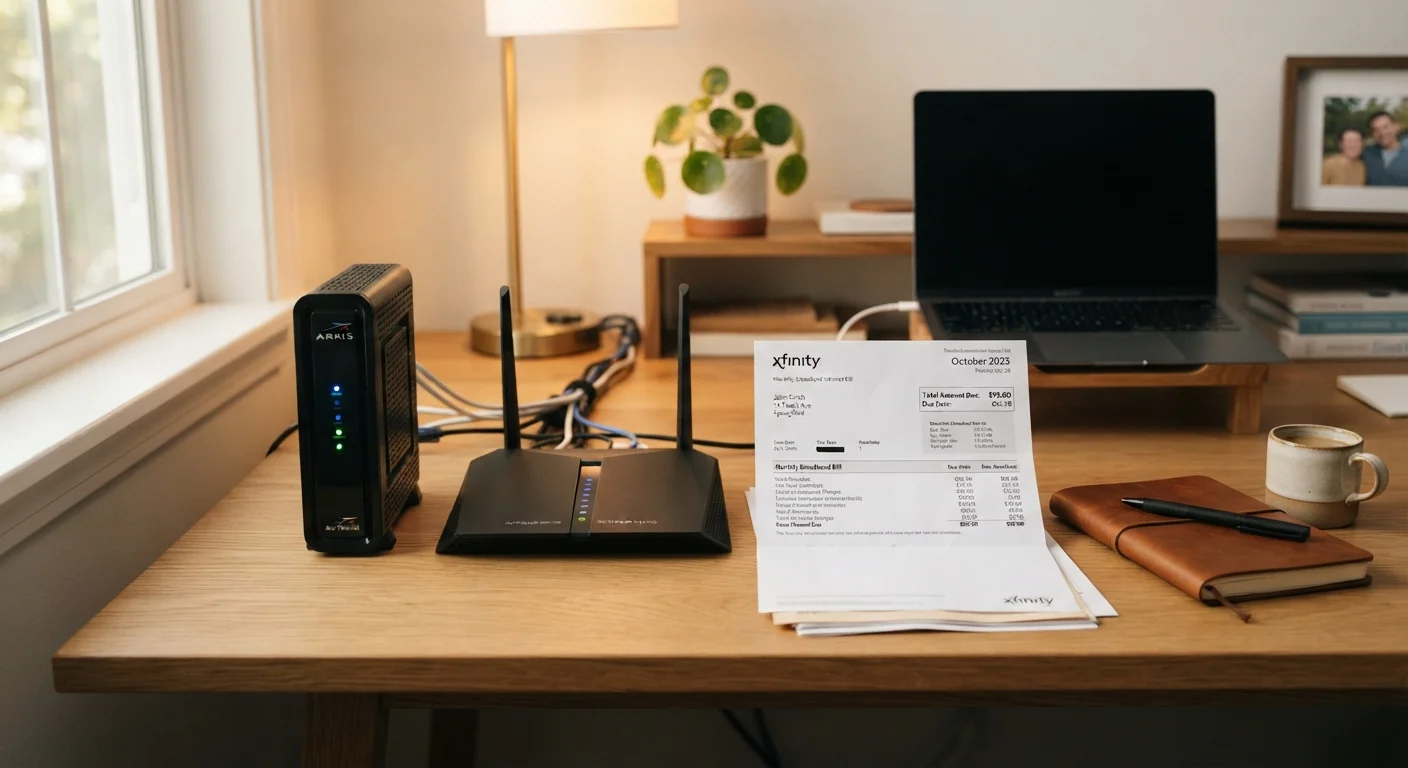
Photo credit: ArticlesHaven.net
In this article
ISPs charge monthly equipment fees. Buying your own hardware can save money over time — but there are compatibility factors to check first.
Key Takeaways
- ISPs typically charge $10-$20 per month to rent a modem or gateway device.
- Purchasing compatible equipment outright usually recoups its cost within 12-24 months.
- Not all modems are compatible with every ISP or internet technology - check before buying.
- Renting shifts troubleshooting responsibility to the provider; owning puts it on you.
- Some ISP plans, particularly fiber or bundled services, may require using provider-supplied hardware.
The Monthly Fee That Quietly Adds Up
Most major cable and DSL internet providers charge a monthly equipment rental fee - sometimes called a "modem lease" or "gateway fee" - that appears as a line item on your bill. These fees commonly range from roughly $10 to $15 per month, though some providers charge closer to $20 for a combined modem-router gateway device.
Over a two-year period, that translates to $240-$480 spent on hardware you never own. Over five years, the figure can exceed $1,000. For context, a capable, ISP-compatible cable modem typically costs between $60 and $150 at retail, and a solid standalone router can be purchased for a similar range.
Understanding this gap is the starting point for the rent-vs-own decision. For a fuller picture of how equipment fees fit into your total internet costs, see the true cost of home internet over time.
$168/yr
Typical annual modem rental cost
Based on a common $14/month equipment fee charged by major US cable providers - a fee that continues indefinitely as long as you rent.
10-24 months
Typical break-even window for purchased equipment
Varies based on the retail cost of the hardware and the specific monthly rental fee charged by your provider.
$60-$150
Common price range for a compatible cable modem
Retail pricing for DOCSIS 3.1 modems approved by major US cable internet providers, based on widely available consumer hardware listings.
Side-by-Side: What Each Option Actually Includes
The comparison isn't purely financial. Each option carries a different set of responsibilities and practical trade-offs that matter depending on your situation.
| Criterion | Renting | Owning |
|---|---|---|
| Upfront cost | $0 | $60-$250 typically |
| Ongoing monthly fee | $10-$20/month | $0 after purchase |
| Break-even point | Never - cost continues | Typically 10-24 months |
| Troubleshooting responsibility | Handled by ISP | Falls to you first |
| Equipment replacement | ISP replaces at no extra cost | You purchase a replacement |
| Compatibility risk | None - ISP handles it | Must verify before buying |
| Flexibility when switching ISPs | Return device, no loss | Hardware may not transfer |
| Network customization | Limited by ISP firmware | Greater control and options |
One factor renters often overlook: when ISP-supplied equipment fails, the provider is generally responsible for repair or replacement. With owned equipment, diagnosing whether an outage stems from your hardware or the ISP's network becomes your job first - which can mean more time on hold and more troubleshooting before the provider dispatches a technician.
Before assuming you can bring your own device, it's worth reviewing key questions to ask before signing up for a new internet plan, including whether the provider mandates its own gateway.
Compatibility: The Most Important Variable Before You Buy
Not every modem works with every ISP or every internet technology. This is the single biggest pitfall for consumers who purchase equipment without verifying compatibility first.
- Cable internet (DOCSIS): Most ISPs publish an approved modem list on their website. Look for a modem that supports the current DOCSIS 3.1 standard if your plan offers speeds above 300 Mbps.
- Fiber internet: Fiber typically uses an Optical Network Terminal (ONT) that is almost always installed and owned by the provider. A third-party modem generally cannot replace it - though you may still be able to use your own router behind it.
- DSL: DSL modems must match your provider's specific line technology (ADSL2+, VDSL2, etc.). Compatibility lists are narrower than for cable.
- Bundled services: If your plan includes phone service or TV through the provider, a bundled gateway may be required to support those features.
If you're unfamiliar with the distinction between your modem, router, and what the ISP's network actually controls, this explainer on modems, routers, and ISP networks is a useful starting point before shopping for hardware.
Always Check the ISP's Approved Device List
Major cable providers maintain publicly available lists of certified third-party modems on their websites. These lists are updated periodically as older DOCSIS standards are phased out. Before purchasing any modem, confirm it appears on your specific provider's current approved list - not just a general retailer compatibility label. A modem that worked with a provider three years ago may no longer be supported.
Who Should Seriously Consider Each Option
The decision isn't one-size-fits-all, and your living situation matters as much as the math.
Renting makes more sense when: you're in a short-term lease, you move between cities for work, your plan requires provider hardware, or you simply don't want to manage equipment issues yourself. For apartment dwellers dealing with building-level ISP restrictions, the equipment question may already be settled for you - renters navigating limited ISP choices face a distinct set of constraints worth understanding.
Buying makes more sense when: you're in a stable home, you've confirmed full compatibility with your ISP, your plan is cable or DSL-based (where third-party modems are widely supported), and you intend to stay with the same provider for at least two years. The break-even calculation is straightforward: divide the hardware purchase price by the monthly rental fee to find the month at which ownership pays for itself.
For example, a $120 modem against a $12/month rental fee breaks even at exactly 10 months - after which every month represents direct savings. That's a durable financial argument for most long-term subscribers on compatible plans.

Author
Articles Haven Editorial Contributor
Articles Haven Editorial Team is the collective byline for our editorial team and contributor network. Articles published under this byline or an editorial pen name are researched, written, and reviewed according to our editorial standards for clarity, consistency, and independence before publication.
View all articles →