
Subscription Services in the Home: What to Keep, What to Cut
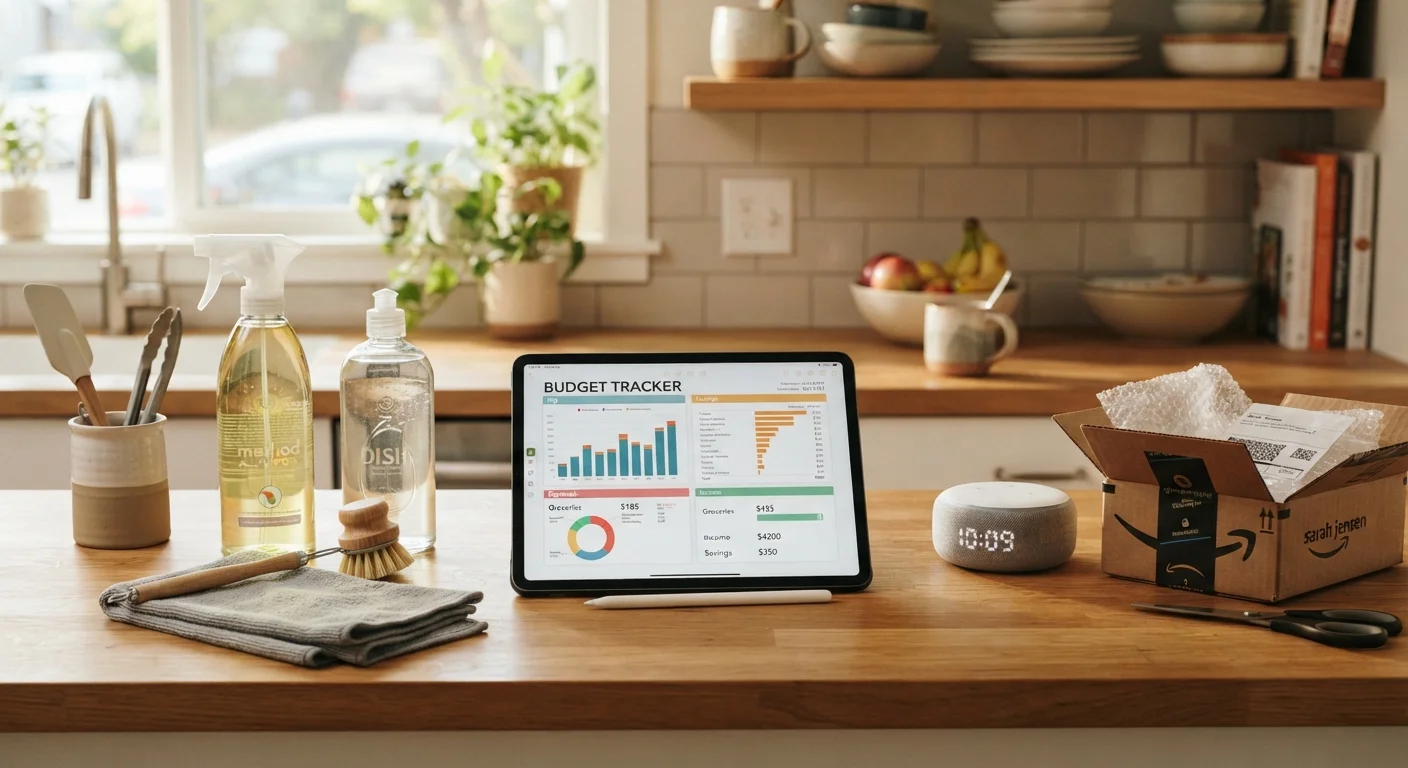
Photo credit: ArticlesHaven.net
In this article
From cleaning supply subscriptions to smart home plans, learn how to audit recurring household services and decide what's worth it.
Key Takeaways
- Most households carry at least one or two home subscriptions they rarely or never use.
- Usage frequency and cost-per-use are the most reliable metrics for evaluating any recurring service.
- Smart home monitoring plans and cleaning supply subscriptions often have cheaper or free alternatives.
- Bundled services can reduce overall cost but also obscure what you're actually paying for each component.
- A quarterly audit of home subscriptions is more effective than waiting until renewal notices arrive.
Why Home Subscriptions Deserve a Dedicated Audit
Streaming services get most of the attention when people talk about cutting subscriptions, but the real creep often happens in the home category. Cleaning supply auto-deliveries, smart home monitoring fees, appliance protection plans, home security cloud storage, grocery delivery memberships, and household task apps can quietly accumulate into a meaningful monthly charge before you notice.
The problem isn't that these services are bad - some genuinely earn their keep. The challenge is that household subscriptions are spread across multiple billing cycles, card statements, and email folders, making them easy to lose track of. This checklist is designed to surface what you're actually paying for and give you a consistent framework to decide what stays and what goes.
For a broader look at how recurring models compare to one-time purchases, see our comparison of subscription boxes versus one-time purchases. And if you want to extend this process beyond home services, the annual subscription audit checklist covers your full recurring budget.
Discovery: Find Every Active Home Subscription
Usage Audit: Measure Actual Value
Category-Specific Checks
Decision and Action
Tools You'll Need Before You Start
Running a clean audit requires a few practical inputs. Pull together your bank and credit card statements from the past three months - look for any recurring charge, no matter how small. Check your email inbox for receipt keywords like "your subscription," "auto-renewal," or "monthly plan." Having this information ready before you work through the checklist below will save significant back-and-forth.
Bank and credit card statements (3 months)
Used to identify all recurring charges tied to home subscriptions across payment methods.
Email inbox search
Catches subscription confirmations and renewal notices that may not appear on statements under a recognizable name.
Spreadsheet or notes app
Centralises your subscription list, costs, and keep/pause/cancel decisions in one place for easy reference.
Subscription tracking app
Automates recurring charge detection by connecting to your accounts - useful if you prefer not to manually review statements.
Once you have your list, the checklist groups below walk you through evaluating each category of home subscription systematically.
Watch for Annual Renewals Billed Quarterly
Some home subscriptions - particularly appliance protection plans and home security monitoring - bill annually or quarterly rather than monthly, making them easy to overlook in a standard statement review. Look back at least 12 months of statements if you suspect you're missing charges. Annual renewals often arrive with little notice, so scanning for them proactively gives you time to cancel before the next billing cycle.
Free Tier Resets After Promotional Periods
Many smart home and household app subscriptions start with a free or discounted promotional tier that automatically converts to full-price billing after 30, 60, or 90 days. If you signed up during a device promotion, check whether your current charge reflects the promotional rate or the standard rate - these can differ significantly.
Making the Final Call: Keep, Pause, or Cancel
After working through the checklist, you'll likely land each subscription in one of three buckets. Keep means it's used regularly, priced fairly relative to what you'd pay otherwise, and not easily replicated for free. Pause makes sense for seasonal services - lawn care apps or HVAC filter deliveries - where you need the service but not year-round. Cancel is the right call when usage is low, alternatives exist, or the cost-per-use math doesn't work.
For services tied to your internet or TV bundle, the calculus is slightly different. Bundled add-ons often hide what each component actually costs. Our guide to evaluating whether your current bundle still fits can help you untangle those charges separately.
Smart home plans deserve particular scrutiny. Many devices - doorbells, cameras, thermostats - work at a basic level without a paid cloud plan. Decide whether the premium features (extended video history, professional monitoring, automation routines) are genuinely part of your daily routine or just features you thought you'd use. For more on the real trade-offs of whole-home automation, see the pros and cons of a whole-home smart automation system.
Don't Cancel Before Checking Contract Terms
Some home subscriptions - particularly professionally monitored security systems and home warranty plans - include early termination fees or require a notice period before cancellation takes effect. Review the cancellation terms before acting, and confirm in writing when a cancellation has been processed. Verbal cancellations are not always sufficient, and charges can continue until the provider formally closes the account.
For task management and household apps specifically, a useful filter is whether the app saves you more time than it takes to maintain. Our look at which household task app features actually matter can help you benchmark what you're getting. Similarly, if you're paying for outsourced services like grocery delivery or lawn care, weigh the time savings honestly - the pros and cons of outsourcing household tasks lays out both sides clearly.

Author
Articles Haven Editorial Contributor
Articles Haven Editorial Team is the collective byline for our editorial team and contributor network. Articles published under this byline or an editorial pen name are researched, written, and reviewed according to our editorial standards for clarity, consistency, and independence before publication.
View all articles →